39
Setting an alarm
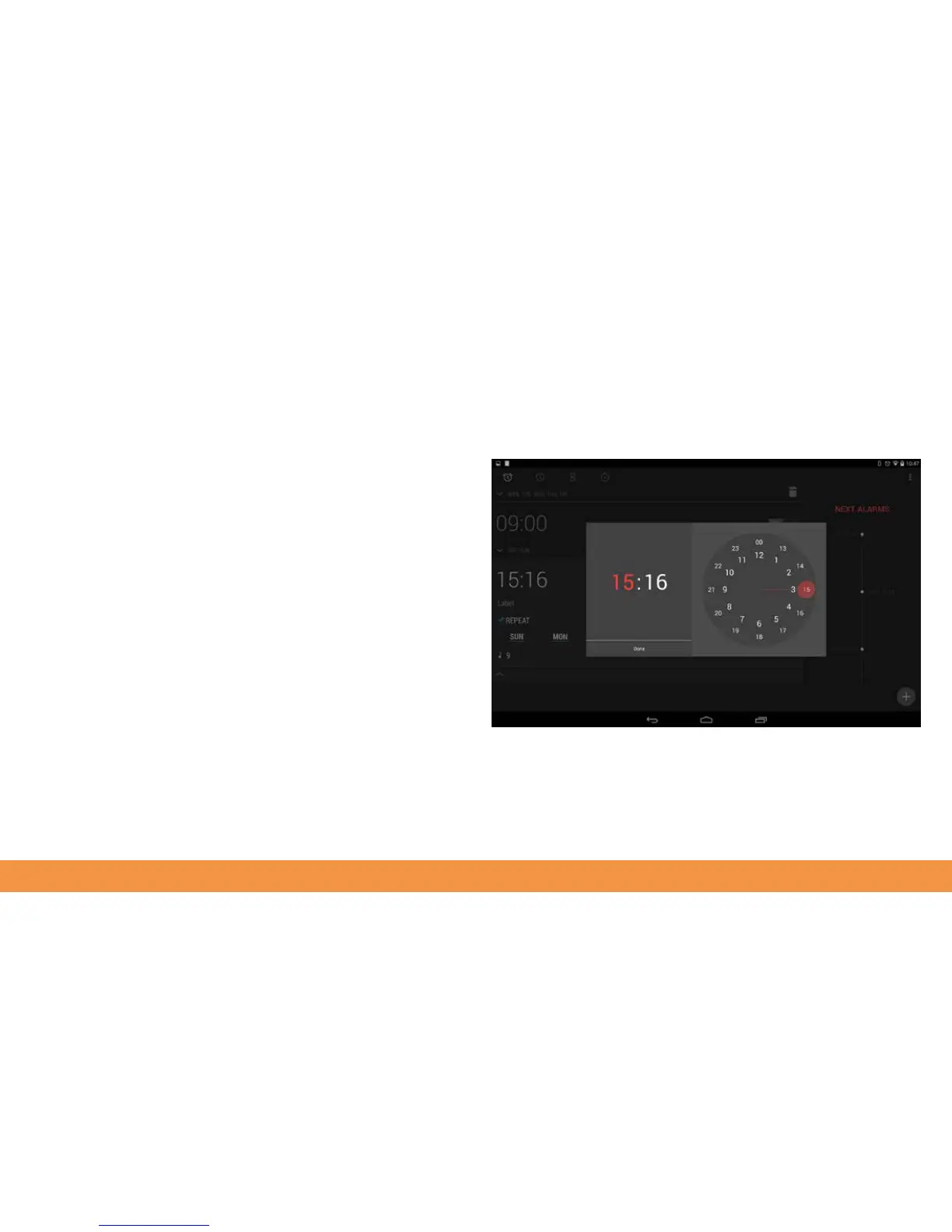
To set an alarm, tap the alarm clock icon at the top left of the Clock screen.
Tap + at the bottom right then set the hour and minutes for the alarm by tapping the
corresponding parts of the clock face, then tap Done.
Tap Repeat to select which day(s) the alarm should ring. Tap the screen again to
dismiss the alarm setting option.
All your alarms can be seen when you tap the alarm clock icon in the Clock menu. You
can toggle them on and off from this screen.



 To Next Page