46
Sound controls
Using headphones
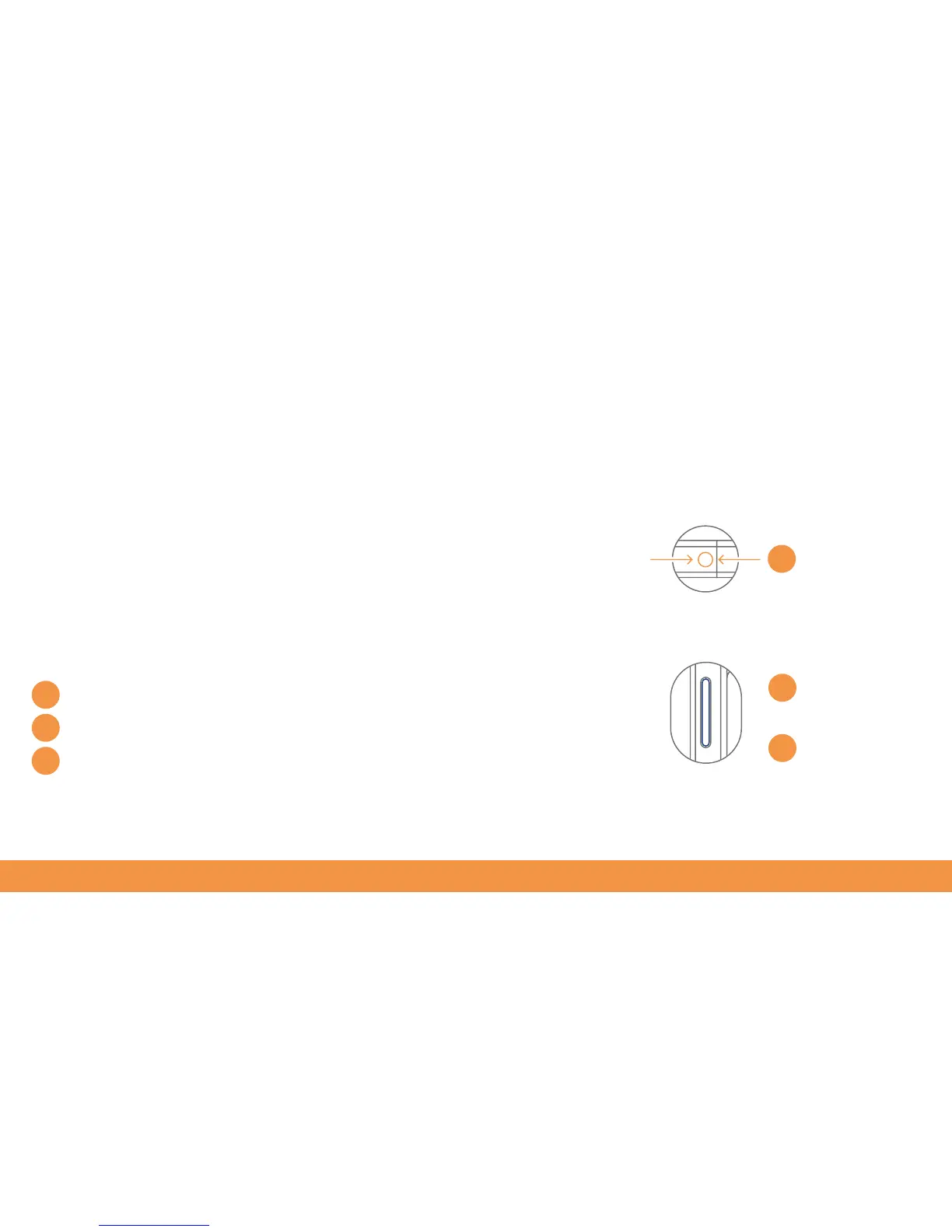
To adjust the volume on your hudl2 just use the button on the top left. While holding
the device in landscape, pressing the left end of the volume button increases the
volume, while pressing the right end turns it down. You can also tap the volume button
to make the volume slider appear onscreen.
Music sounds great when heard through a good pair of headphones. There’s a
headphone socket on the lower left of the hudl2. Note that the hudl2’s speakers will
be muted when headphones are plugged in.
1
1
2
3
2
3
Headphone socket
Increase volume
Reduce volume



 To Next Page