14
Moving between home screens
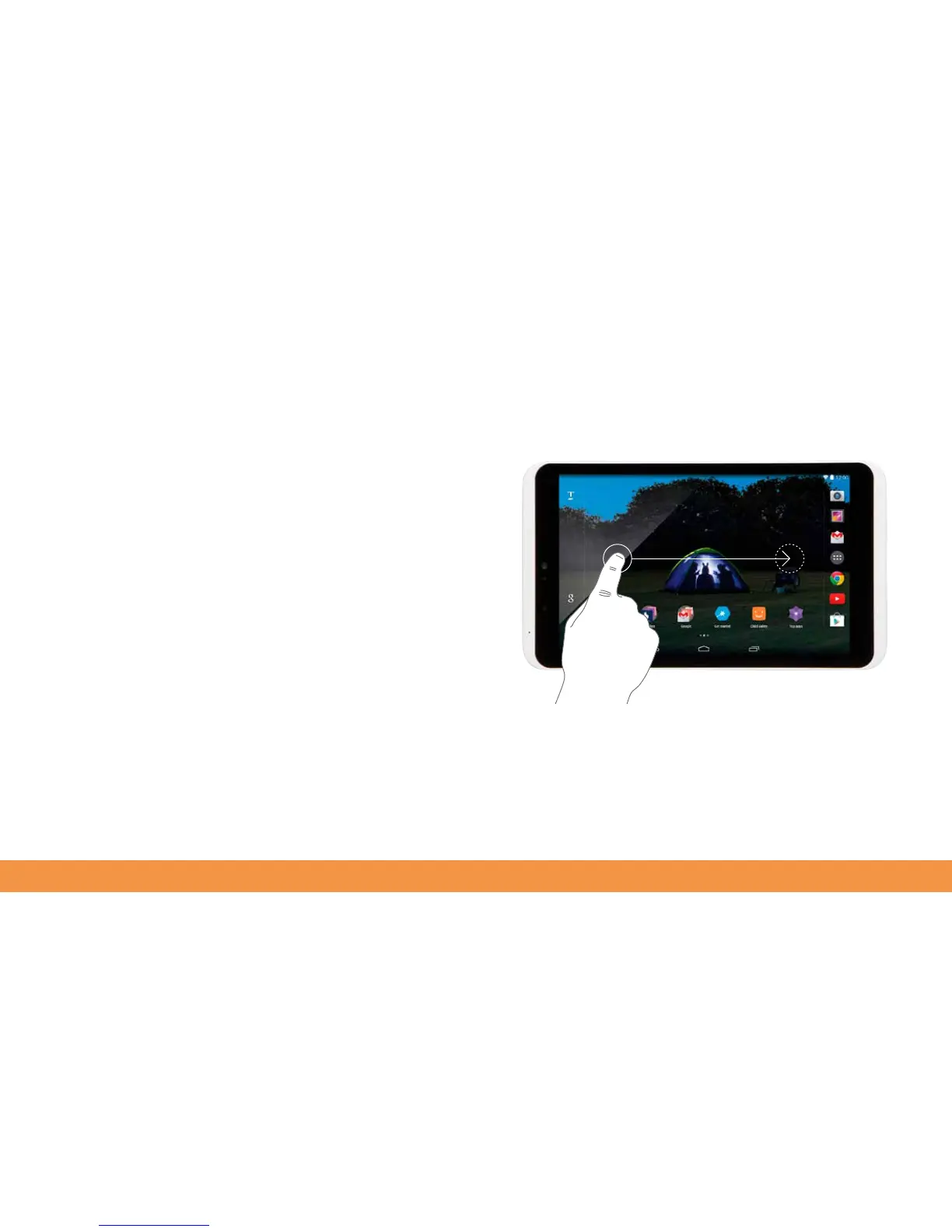
The hudl2 has five home screens. By holding your finger on the screen and moving it
from left to right you can pan across them. When browsing the web, hold your finger
on the screen to pan up and down web pages to read longer stories.
You can move an item by holding your finger on it, dragging it across the screen and
releasing your finger where you’d like the item to end up.



 To Next Page