38
Setting clocks and alarms
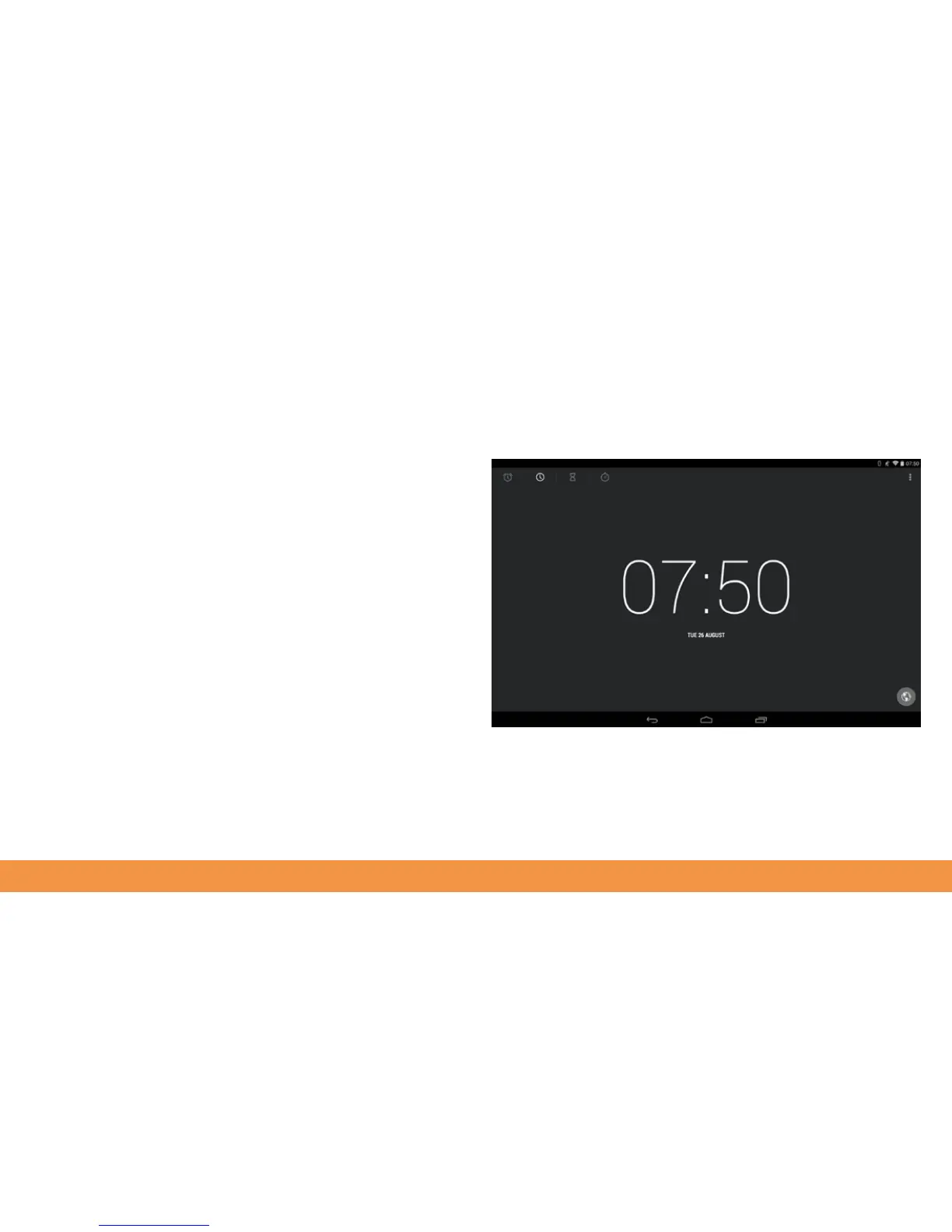
A Clock app is pre-installed on your hudl2. The current time is displayed at the top
right of the hudl2 screen, but if you open the Clock app from All Apps you can also see
a World Clock, set and manage alarms and use a timer.
To use the Clock, tap to open it. The current time fills the screen. Tap the Options
menu at the top right to launch Night Mode. This displays the time in large type on the
hudl2’s screen, so you can check the time without turning on the screen.



 To Next Page