57
Managing storage
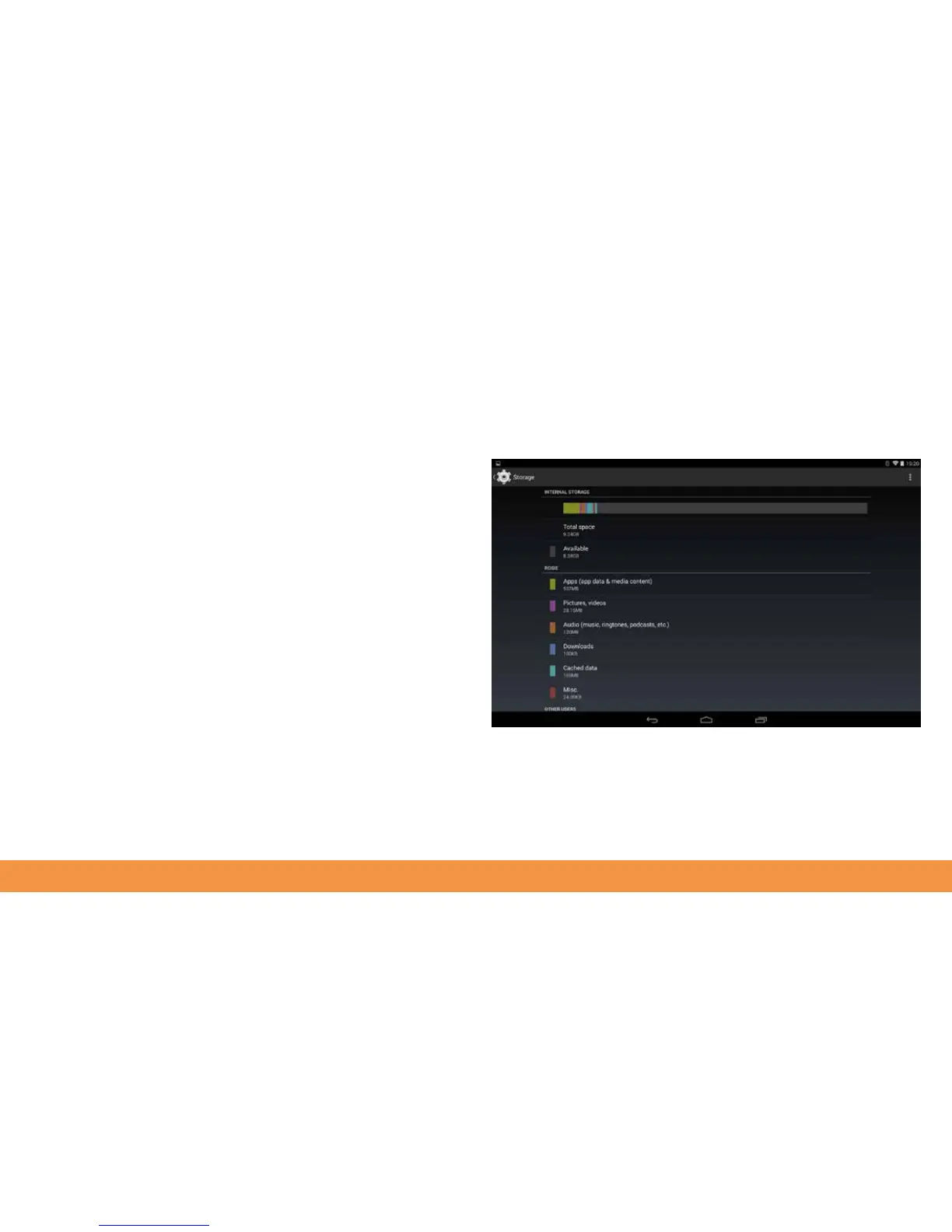
To see how much of your hudl2’s storage you’re using tap the Settings app then tap
Storage. Your hudl2 will calculate the current usage and show you a breakdown
of how much of the internal space you’ve used and how much is taken up by apps,
pictures and videos, downloads and so on. Tap a category to see more information on
storage use. In the Apps section, for example, you can see which apps are using the
most space and choose to delete the apps if you no longer need them.



 To Next Page