25
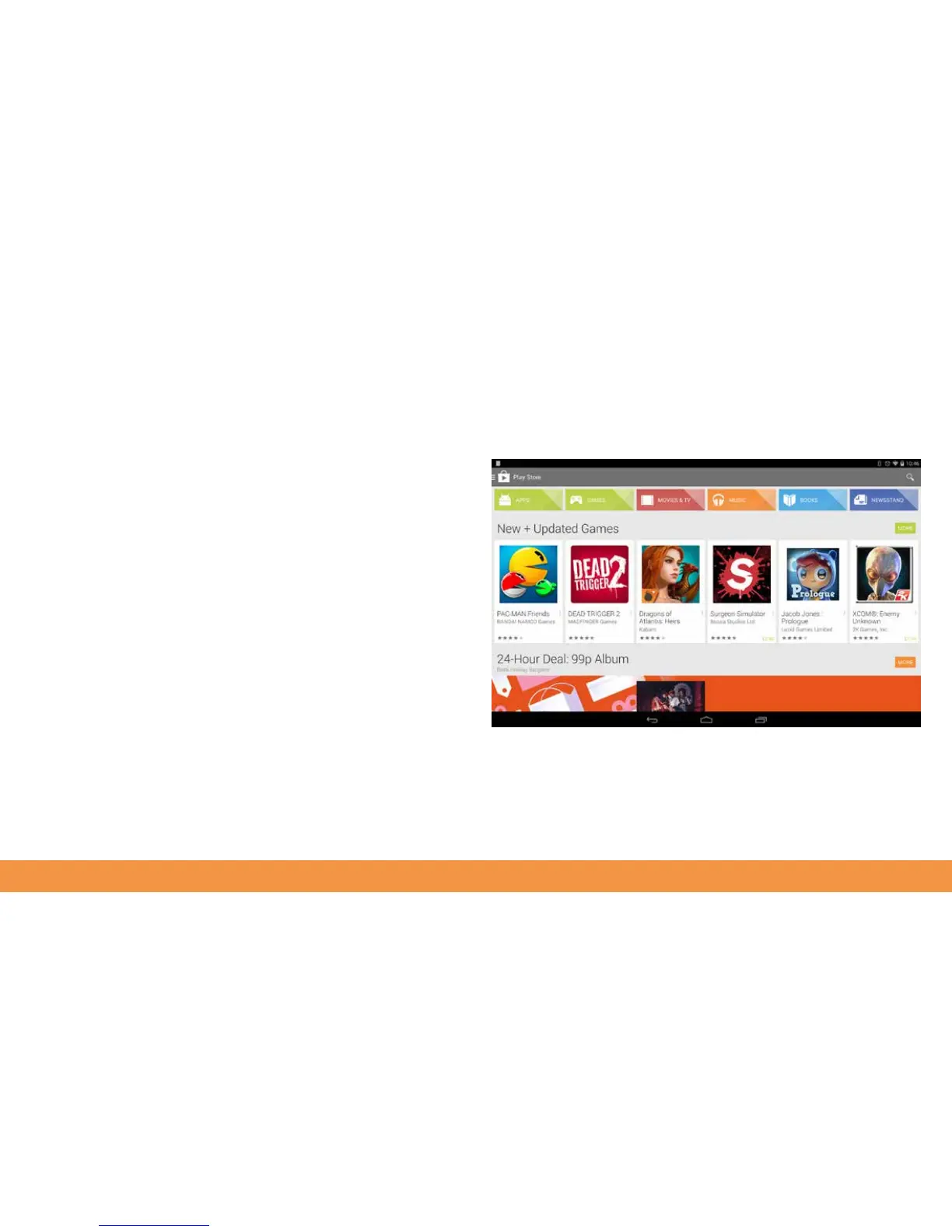
Using the Google Play Store
Your hudl2 needs to be online in order to show Play Store items and to download
them.
Tap the Google Play app icon on the Home page and if you’ve not done so already,
sign in with a Google account. If you don’t have a Google account you will be given
the option to set one up. You need to add your bank card details if you want to be able
to buy apps or purchase in-app items from within free apps. You don’t need to provide
your card details if you just want to use free apps.



 To Next Page