41
Appointments and reminders
Add a new appointment
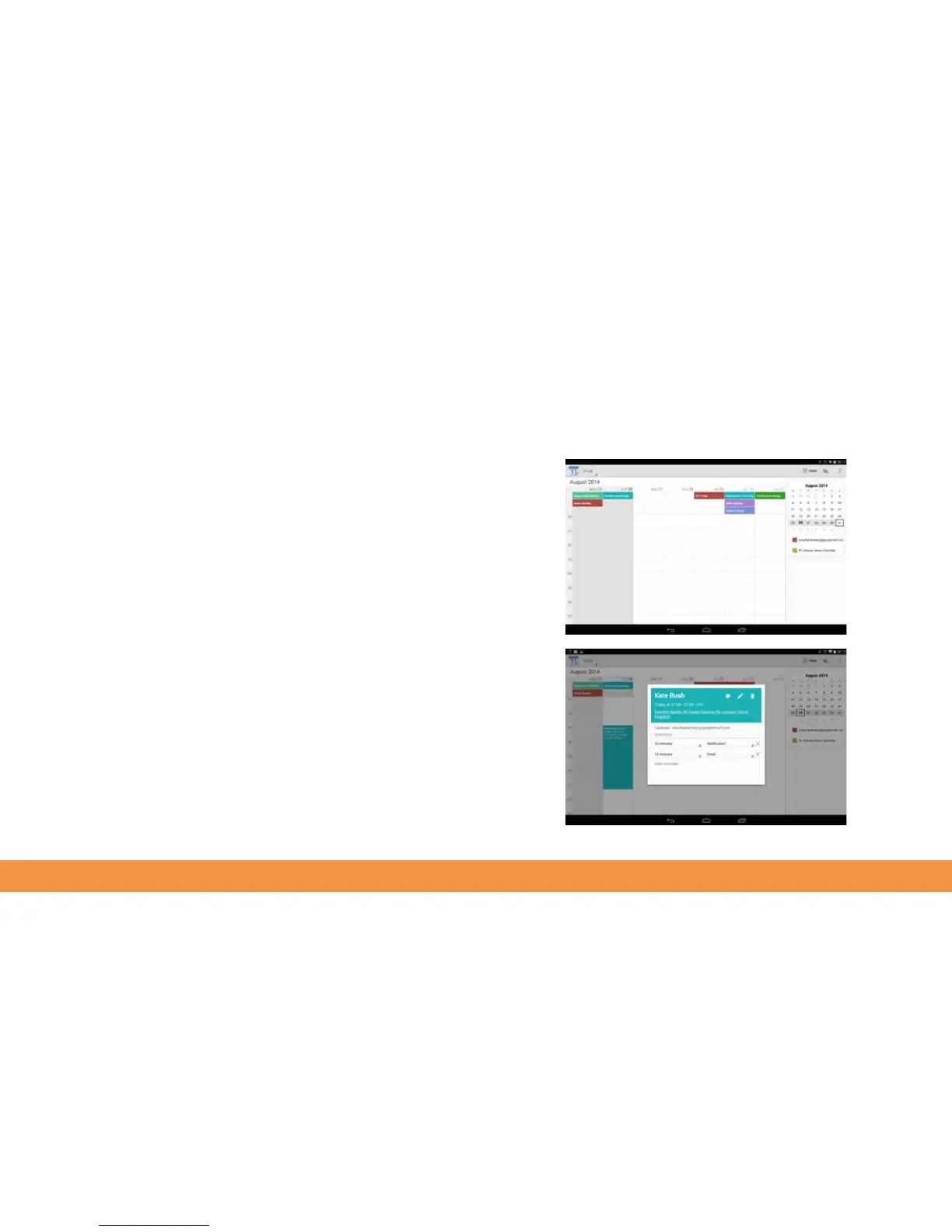
If you already use Google’s Calendar function, you will already have calendar entries
that you can view on your hudl2. The easiest way to do this is to open the Calendar app.
This will open to your week view showing everything you’ve added to the calendar.
Tap a day then the + sign that appears to add a new entry. Google Calendar will
email your Gmail account and show an onscreen reminder 10 minutes before your
appointment.
To change the appointment time, tap the tiny arrow next to Reminders in the New
Event pane and select another timeframe.
To invite friends to your events, tap Guests and start typing their email address. If
Google recognises their name, it will offer to complete their email address, otherwise
just add it yourself.



 To Next Page