54
Backing up with Google Drive
Other online backup tools
When you set up your hudl2 you have the option to use the pre-installed Google Drive
to back up your photos.
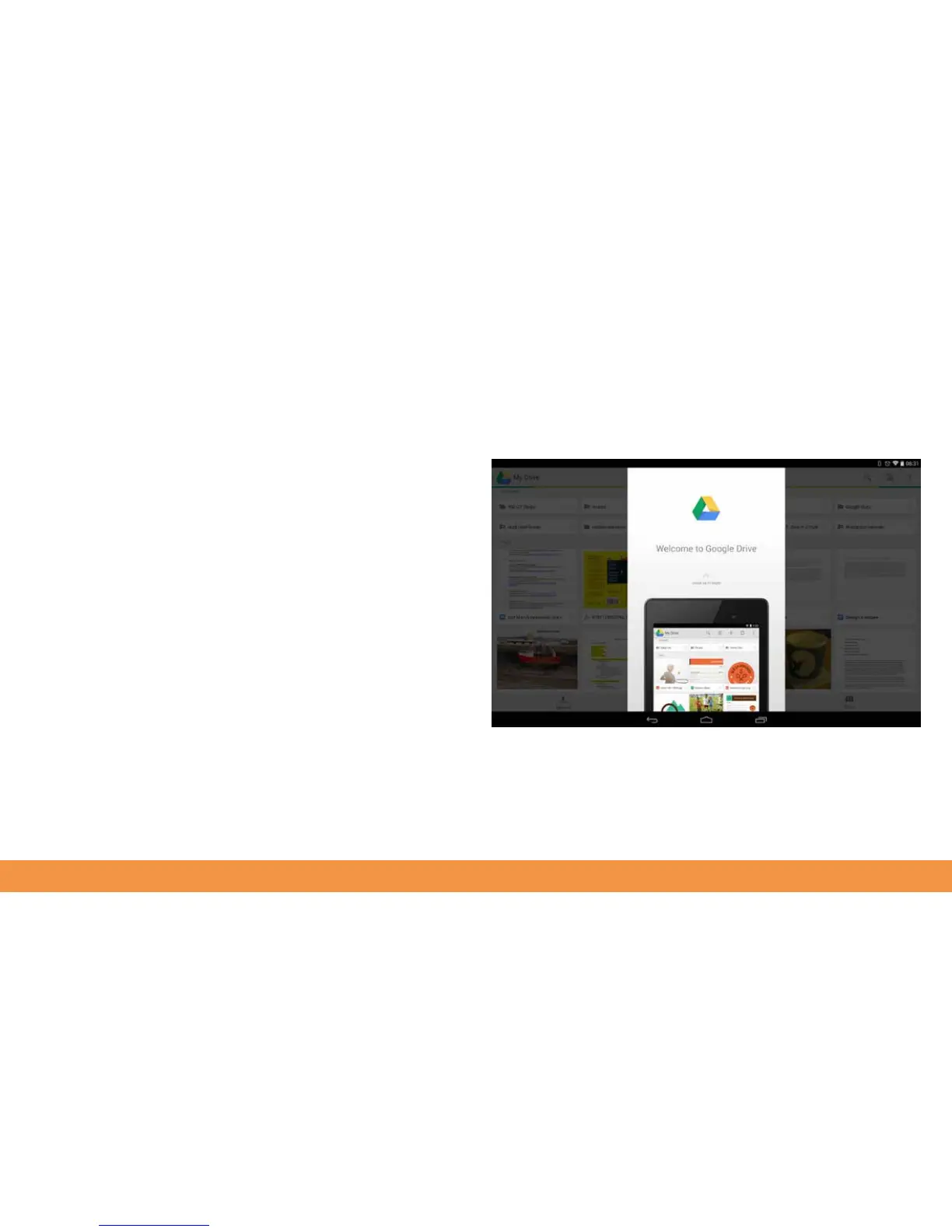
Go to All Apps and tap the Drive icon to open it.
If you’ve not done so already, you need to sign into your Google account. Tap through
the introductory product tour.
Now tap the Upload option at the bottom of the screen or Create to first set up a new
folder.
Tap Gallery to see what has been saved to your hudl2. Tap each photo you want to
upload.
You can also use an online storage service such as Dropbox or Box.com – download
their free apps from the Play Store and then follow instructions to automatically back
up your hudl2 whenever you’ve got a Wi-Fi connection available. You can store up to
4GB for free.



 To Next Page