6
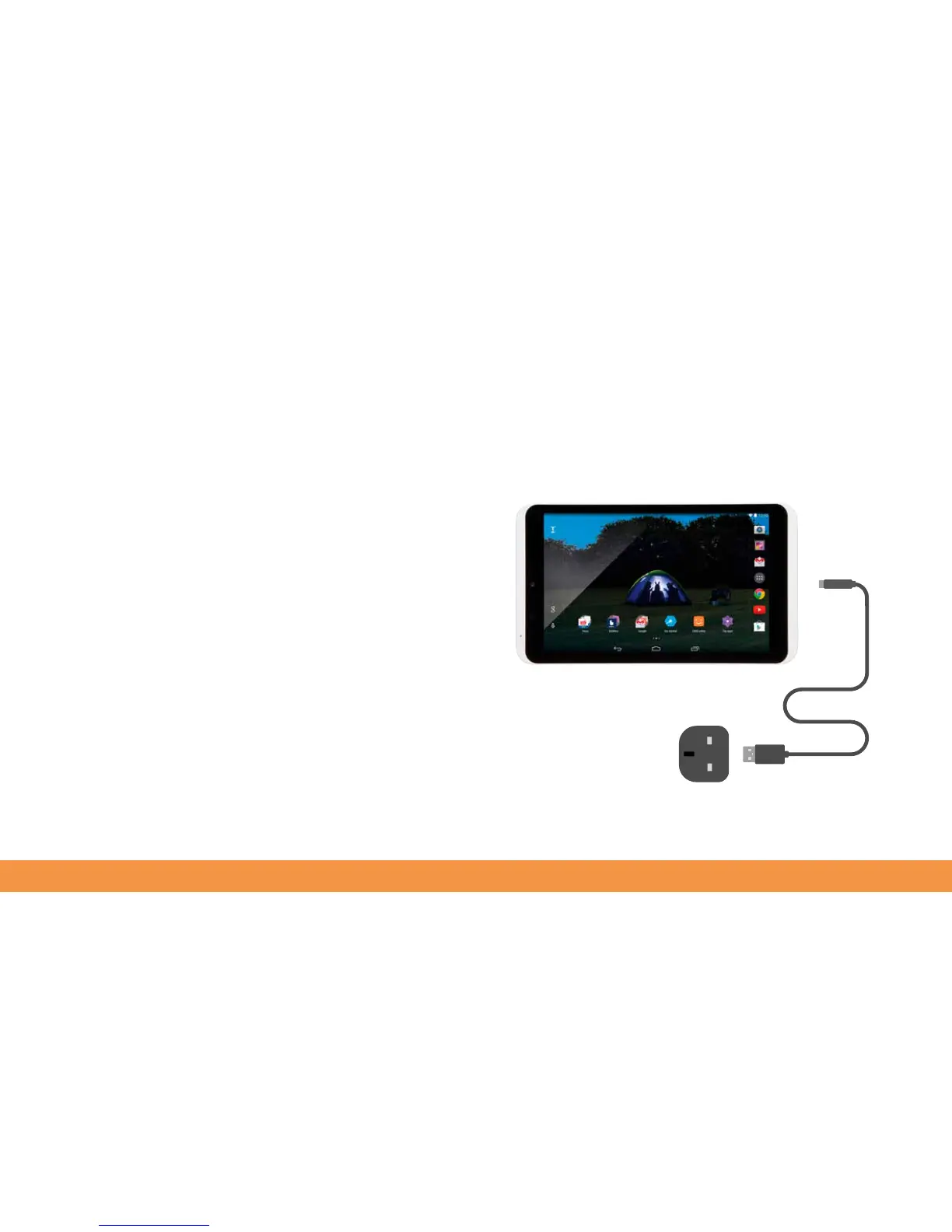
Charging your hudl2
We’re sure you’re itching to start using your hudl2 but it’s important to fully charge
it first. If you don’t, the battery won’t last as long as it should before needing to be
recharged.
1. To charge your hudl2 plug the USB cable into the USB port on the AC adaptor/
charger.
2. Connect the cable to the Micro-USB port on the hudl2.
3. Plug the charger into a wall socket and switch on the mains power.
4. Your hudl2 will start to charge. A red light next to the front camera indicates
that charging is in progress. The good news is that you can use the hudl2 while
the charger is connected.
When the hudl2 is fully charged, the light will turn green.
Note: For best charging performance use the AC adaptor supplied with your hudl2.
Other AC adaptors will work with your hudl2 but the charging time may take longer.



 To Next Page