30
Tap the Chrome icon to launch the web browser.
2
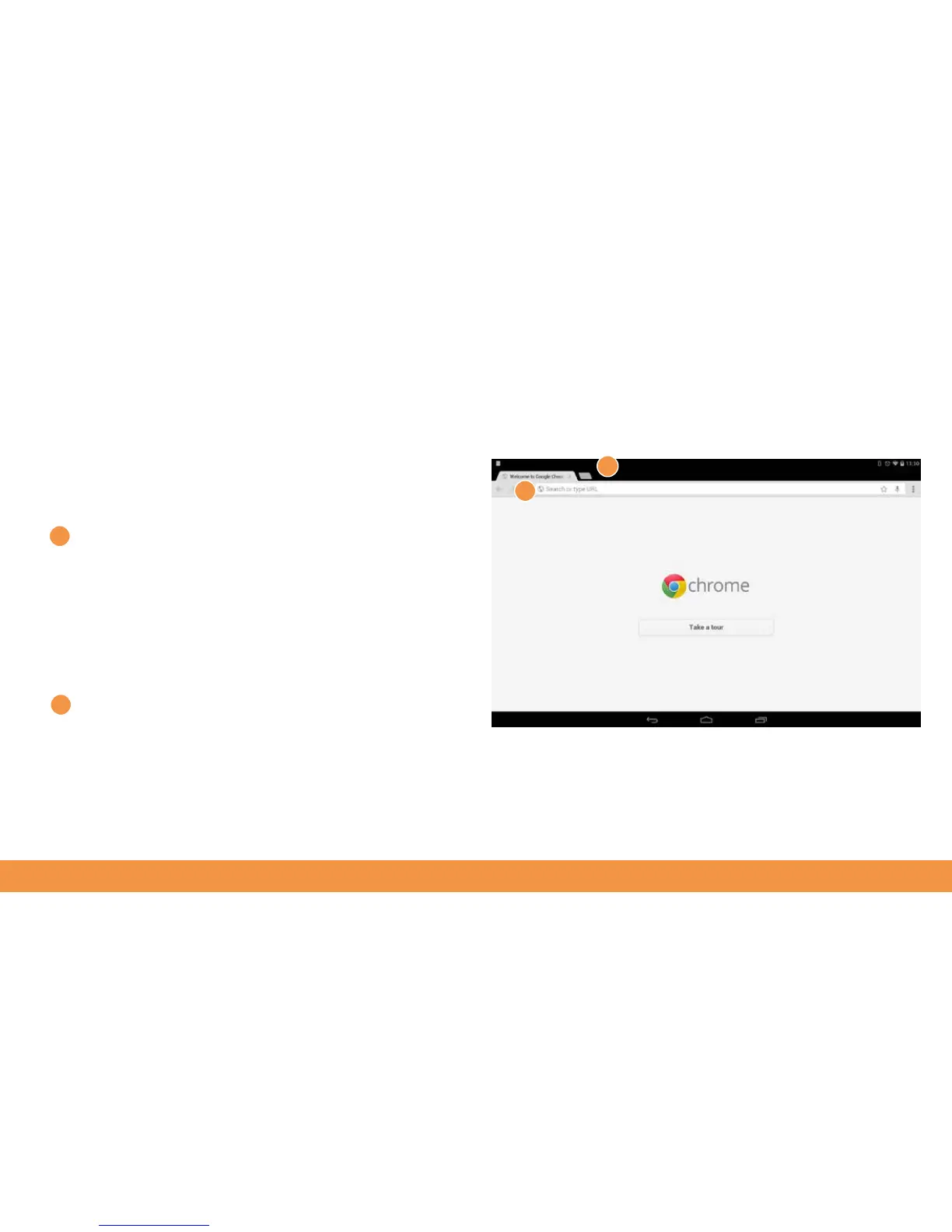
To go directly to a website, tap the address field in the
Chrome browser. The onscreen keyboard will pop up.
Now type in the site’s address and tap Go.
To search for something online, just type your search
query into the same text field. Google will return a list of
possible sites for you to go to.
There’s also a Google search box on your hudl2’s home
screen.
You can have multiple tabs open in Chrome, which is
handy if you want to compare information easily. To
open a new tab, tap the blank tab to the right of the
current page tab. Click the small X on a tab to close it.
1
2
1



 To Next Page