21
RELAYS:NO or NC
Dry contact relay outputs on RS232 connector and on other connectors are NC (normally closed) or
NO (normally open) type
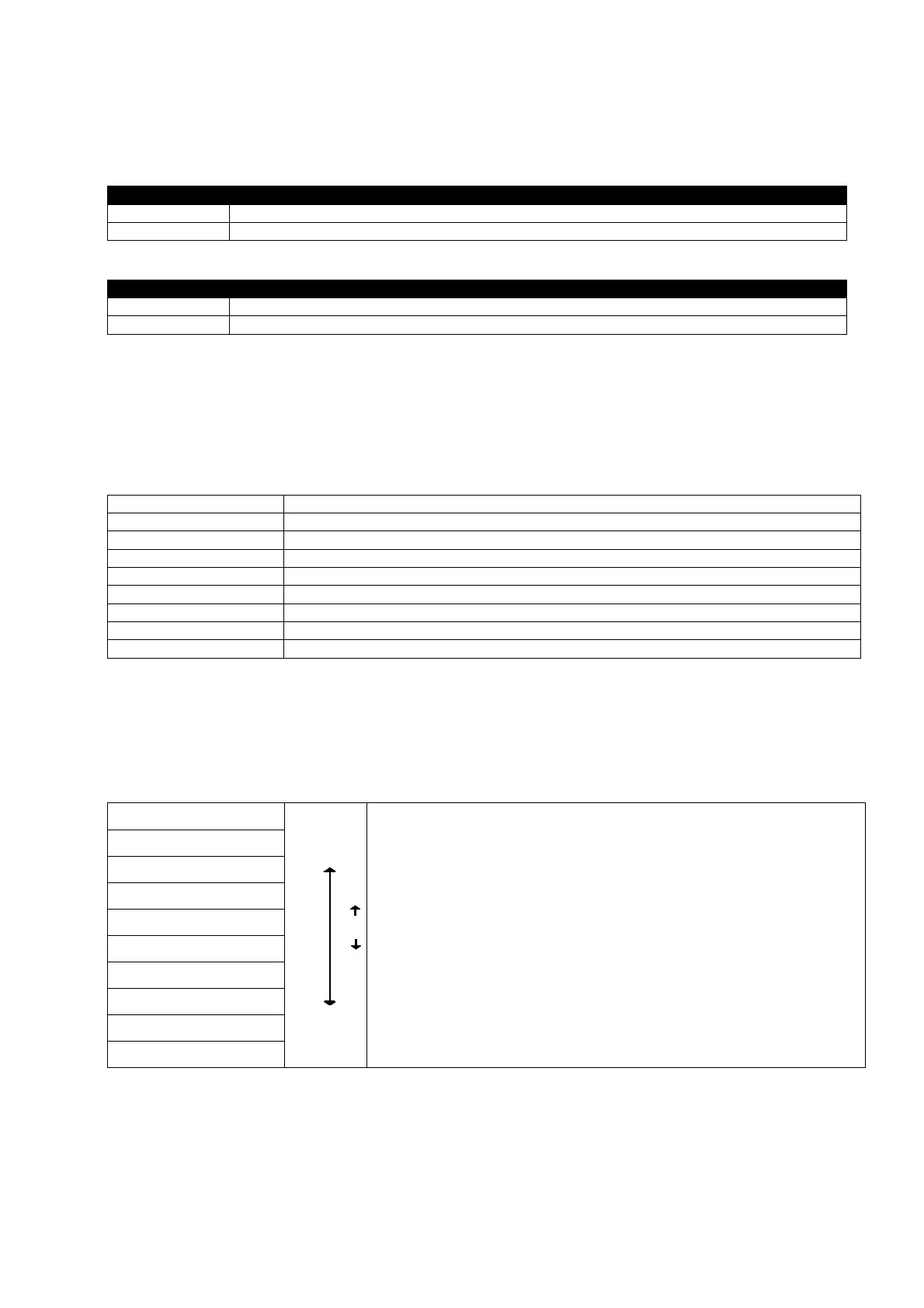
OPTION DESCRIPTION
NO Relays will be energized if the related alarm occurs
NC Relays will be de-energized if the related alarm occurs
TEMP.COMPENS:ON/OFF (Battery temperature compensation on/off option)
OPTION DESCRIPTION
ON The battery float-charging voltage is changed according to battery cabinbet temperature
OFF The battery float- charging voltage is fixed.
<ENT>EXIT
If the user presses ENTER button, exits from options menu.
TIME MENU _______________________________________________________________
From this menu user can see and set the time and date settings of RTC of the UPS.
Current time of the RTC clock
Current date of RTC clock
press left and right buttons to change the current hours (0 to 23)
press left and right buttons to change the current minutes (1 to 59)
press left and right buttons to change the current day of the month (1 to 31)
press left and right buttons to change the current month of the year (1 to 12)
press left and right buttons to change the current year (2000 to 2099)
press enter to update the last date and time settings on UPS RTC clock
If the user press ENTER button exits from time menu to upper menu
SERVICE MENU ___________________________________________________________
Some maintenance information and service functions are included to this menu.
HOURMTR: 12030
Use Up and Down buttons to move on submenu
NEXT SERVC: 15000
<ENT>RST.SERVIC
MAX.LOAD: 075 %
<ENT> BATT.TEST
TO B.TEST 040 Hr
<ENT> BOOST CHG
SIMULATION:OFF
ENTER: FAULT RST
<ENT>EXIT


 To Next Page