4.3. Conguring your Gateway Wi-Fi
You may wish to change the default names and passwords for your Wi-Fi network, to reect your
business name. The following information will assist with this process.
4.3.1. Customising Wi-Fi Settings
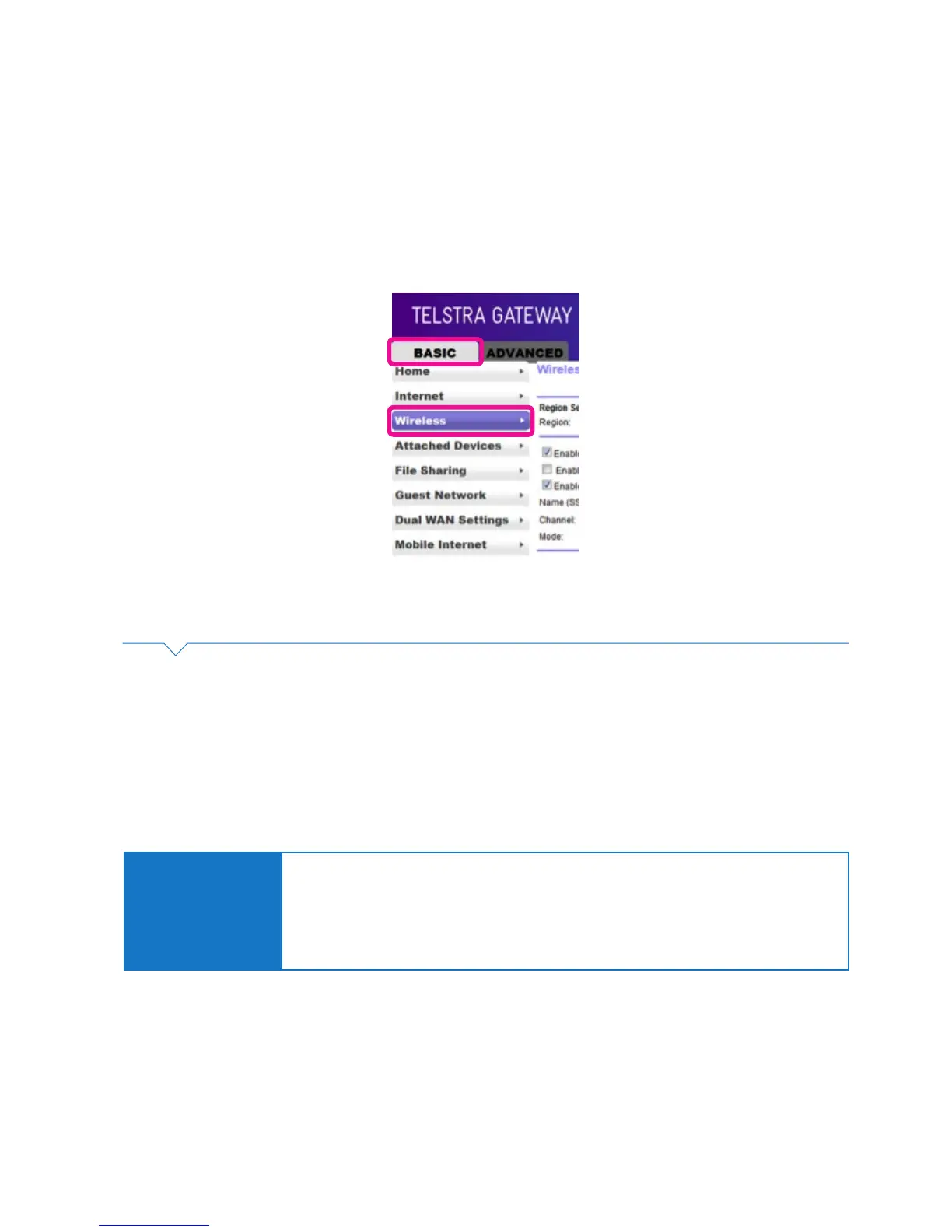
• To access the Gateway Control Panel page go to 192.168.15.1 in your browser and navigate to
Basic->Wireless.
Figure 31: Basic Menu Wireless Settings
On this screen you can update settings for both the 2.4 GHz and 5 GHz Wi-Fi channels including:
• Change the SSID (Gateway’s Wi-Fi name).
• Enable / Disable SSID Broadcast
• Change the 2.4 GHz Channel to reduce interference from other 2.4 GHz devices (e.g. cordless phones).
• Change Encryption Key.
• Change Security Settings.
Important Note:
It may be easier to change the Wi-Fi SSID and channel settings in the Telstra Gateway Pro™
to match those of the Gateway or router you’re replacing.
Doing this will avoid you having to change all the Wi-Fi settings on devices at your premises.
To nd the existing Wi-Fi credentials from the old Gateway or router, refer to the instruction
manual for that device.



 To Next Page