4.2. Customising your LAN/WAN Settings
If you credentials change (for example if you have moved to new premises) you may need to update your
username and password details for your ADSL connection. You may also need to change your connection
type, if you switch from ADSL to an NBN service. The following steps provide you with an overview of how
to complete these changes.
4.2.1. DSL – Connection and Username/Password
To congure the ADSL connection you will need to enter your Username and Password into the Telstra
Gateway Pro™ Control Panel.
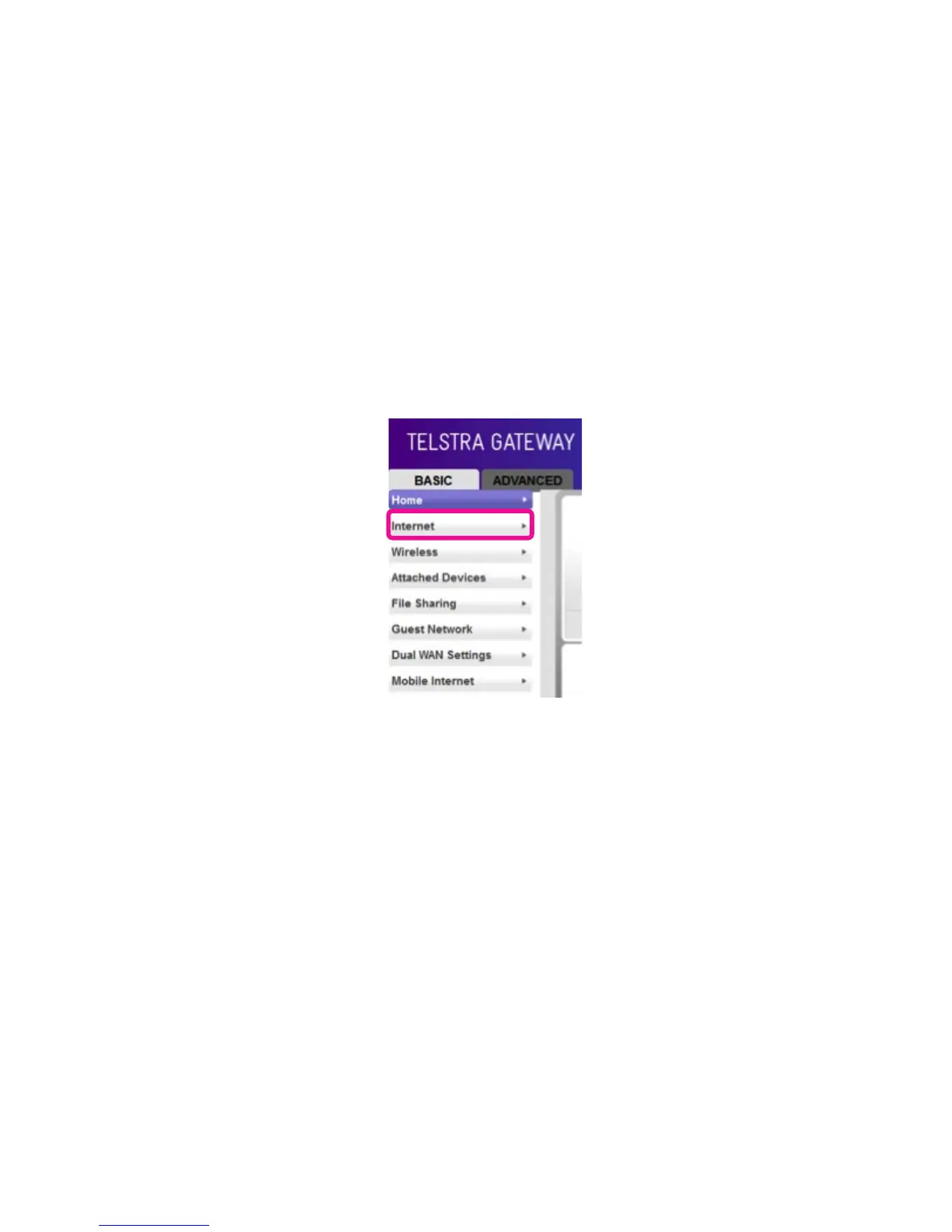
• To access the Gateway Control Panel page go to 192.168.15.1 in your browser and navigate to
Basic>Internet.
Figure 25: Control Panel Basic Screen



 To Next Page