3.1. Initial Setup Using The Installation Wizard
The Installation Wizard can be accessed from any connected device using an internet browser when
visiting any website for the rst time (e.g. www.telstra.com) or by loading the Telstra Gateway Pro™
default IP address http://192.168.15.1.
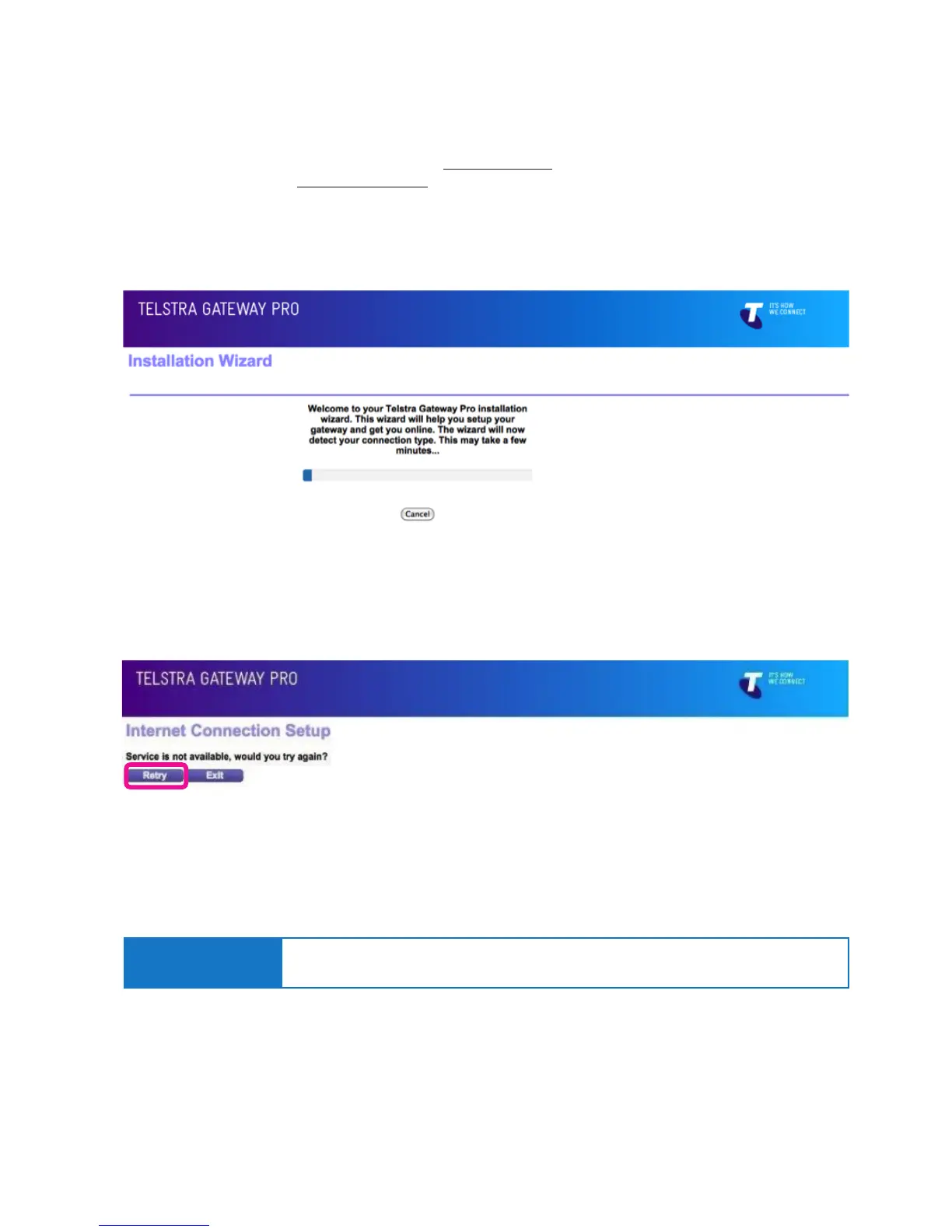
This will start the auto WAN (internet connection) sensing immediately (Figure 13) on the Gateway and
determine which WAN interface is being used; ADSL, VDSL or Ethernet WAN (NBN FTTP).
Figure 13: Installation Wizard WAN Sensing
Figure 14: Internet Connection Setup Error Screen
• If no Internet Connection is detected the Installation Wizard will show the following screen.
Check that the cabling to the Gateway is correct, and click Retry.
• You will now need to select which options you want to congure (Figure 15).
• When setting up the Gateway for the rst time, click Next.
Important Note:
It is not necessary to set up any of these options for a Telstra Business Broadband (T-Biz)
service unless you want to customise the Wi-Fi settings and/or Admin password.



 To Next Page