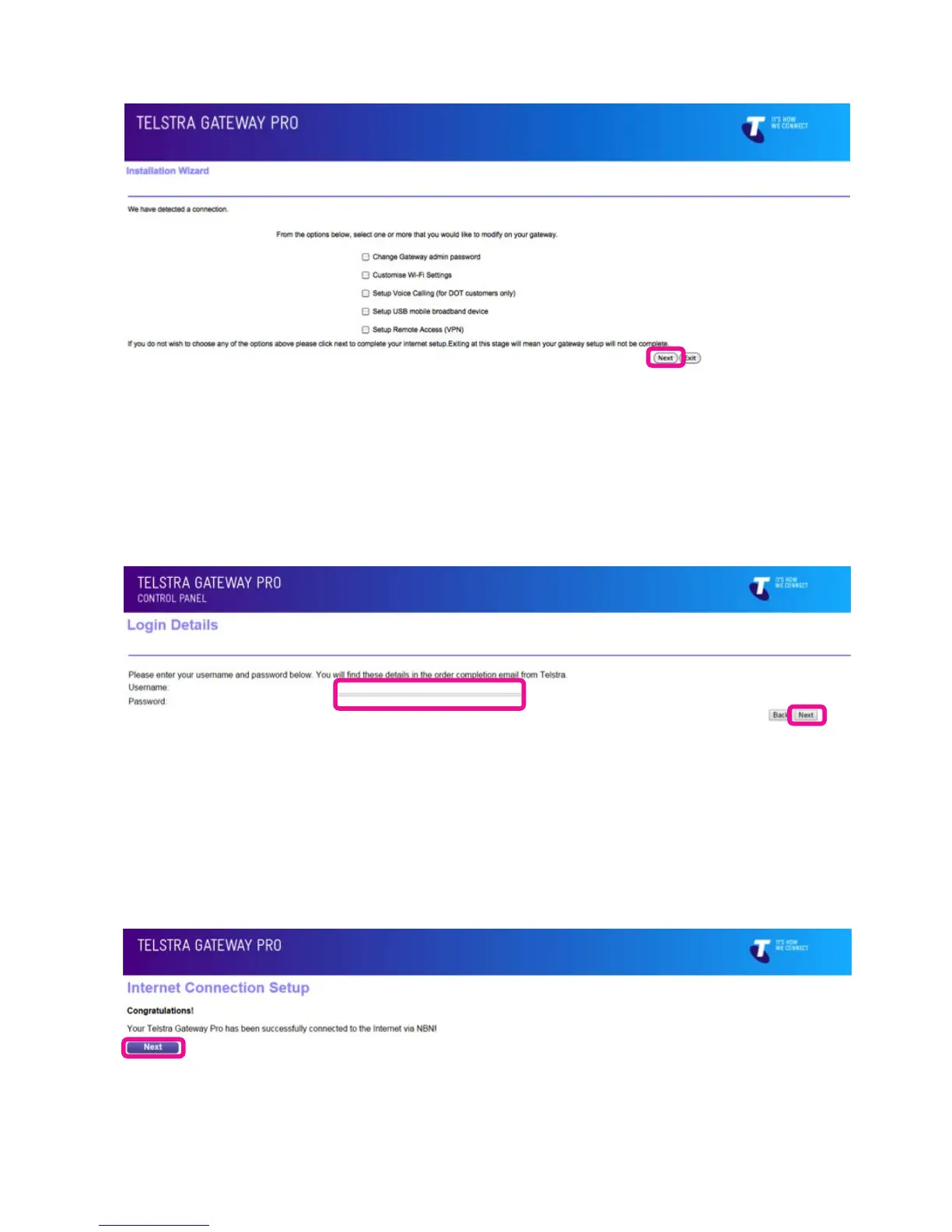
Figure 15: Installation Wizard Setup Options
Figure 16: Username and Password Fields For ADSL
Figure 17: Successful Connection Page
For further information on these options review Section 4 and 5 of this guide before selecting any
additional options you would like to congure and continuing with the installation process.
• For ADSL you now need to enter your ADSL credentials (username & password) which you can nd
in your order completion email from Telstra and click Next.
• For NBN/ VDSL the Gateway will now attempt to establish a connection to the Internet, once successful
it will show you a success page informing you are connected and will then show you an installation
summary page with additional details.



 To Next Page