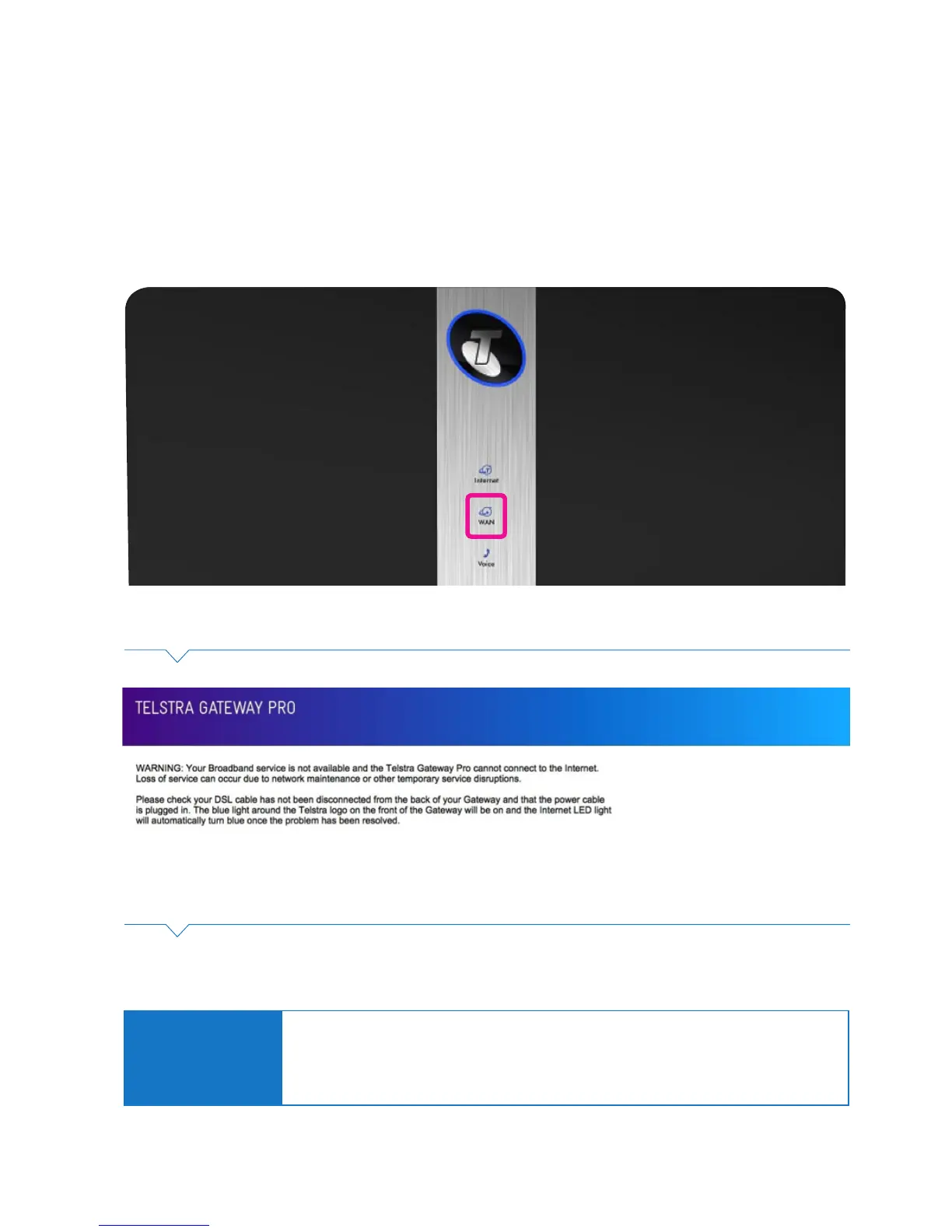
6.1. The Internet is not working or WAN light is off
Sometimes a loss of service can occur and Broadband will temporarily be unavailable on your Telstra
Gateway Pro™, you will presented with the following error screen and the WAN light will be off.
6. TROUBLESHOOTING & GENERAL TIPS
Figure 55: WAN Light
Figure 56: No Internet Connection Notication
Please check that your DSL line or WAN cable has not been unplugged from the Gateway.
Important Note:
If your Internet light is ashing red your Gateway is now operating in mobile broadband failover
mode (if available), you can continue to use the Internet through mobile data.
If your issue is not resolved for an extended period of time please call Telstra support on 132000
and we will assist you further with your issue.



 To Next Page