6.2. My devices aren’t connecting
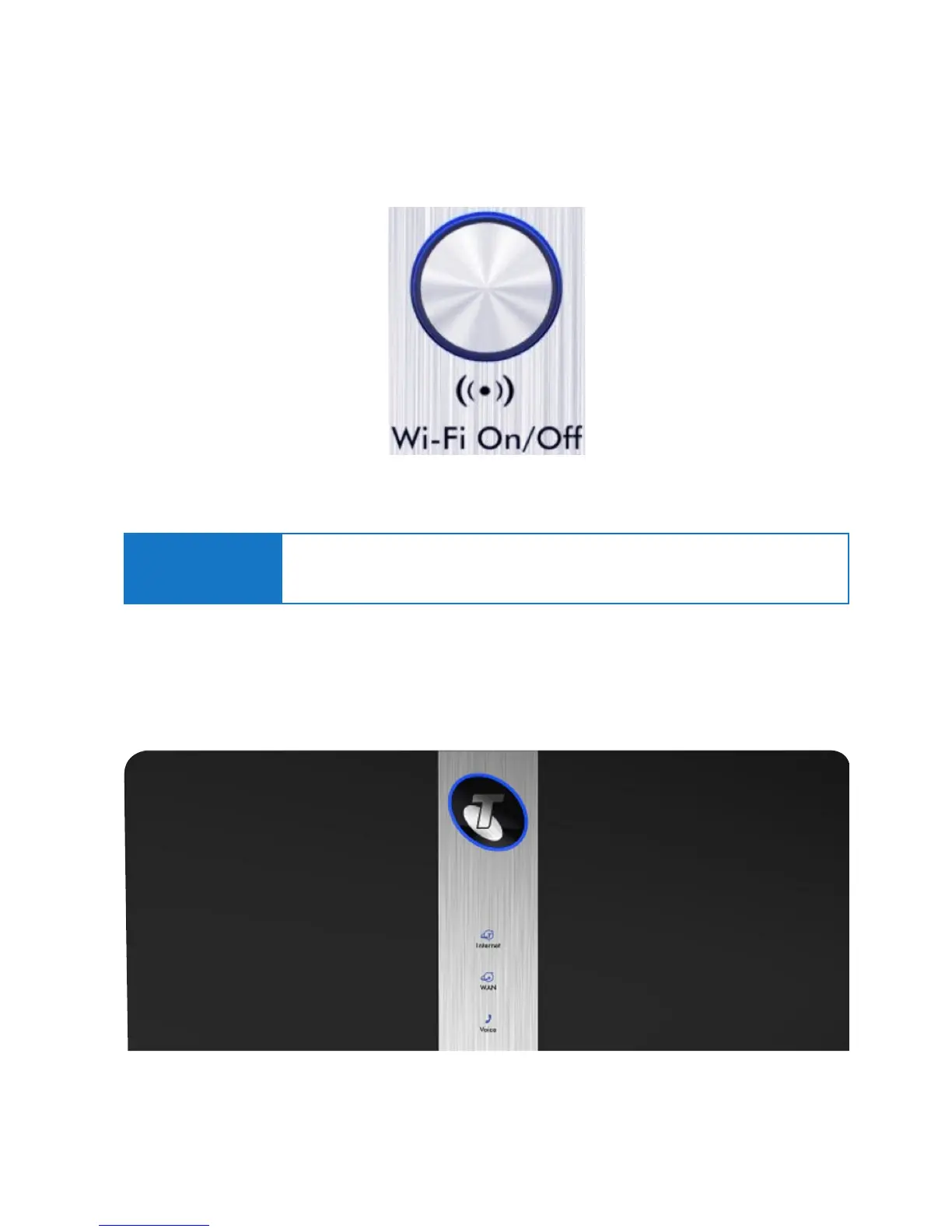
Please check that Wi-Fi has been switched on. The Telstra Gateway Pro™ Wi-Fi button will glow blue
if Wi-Fi is enabled.
6.3. There is a red internet light (ADSL)
A red internet light indicates that your DSL port is connected but authentication was unsuccessful.
Figure 57: Wi-Fi Button
Figure 58: Front Panel Internet Light
Important Note:
Ensure that your wireless connection setting is enabled on your connecting device.
If you do not have a wireless adaptor on your connecting device, you may need to
purchase a wireless adaptor.



 To Next Page