There are a number of advanced conguration items you can change to make the most of your Telstra
Gateway Pro™. These changes are most suitable for larger businesses, or those with many Wi-Fi and
wired devices that are already congured to work with a modem or Gateway that the Telstra Gateway
Pro™ will replace. This section provides instructions to assist with:
• Setting up guest Wi-Fi networks.
• Sharing content over your business network using the Telstra Gateway Pro™.
• Changing LAN pool and DHCP settings to match your devices.
• Setting up port forwarding.
• Where to nd information about setting up a VPN.
5.1. Guest Wireless Network Setup
The Telstra Gateway Pro™ has the capability to set up three Wireless Guest networks. You can allow
guest internet only access or internet & local network access to anyone that is provided the Guest SSID
and Wireless Network Keys. These Guest Networks can be enabled and congured by completing the
following steps.
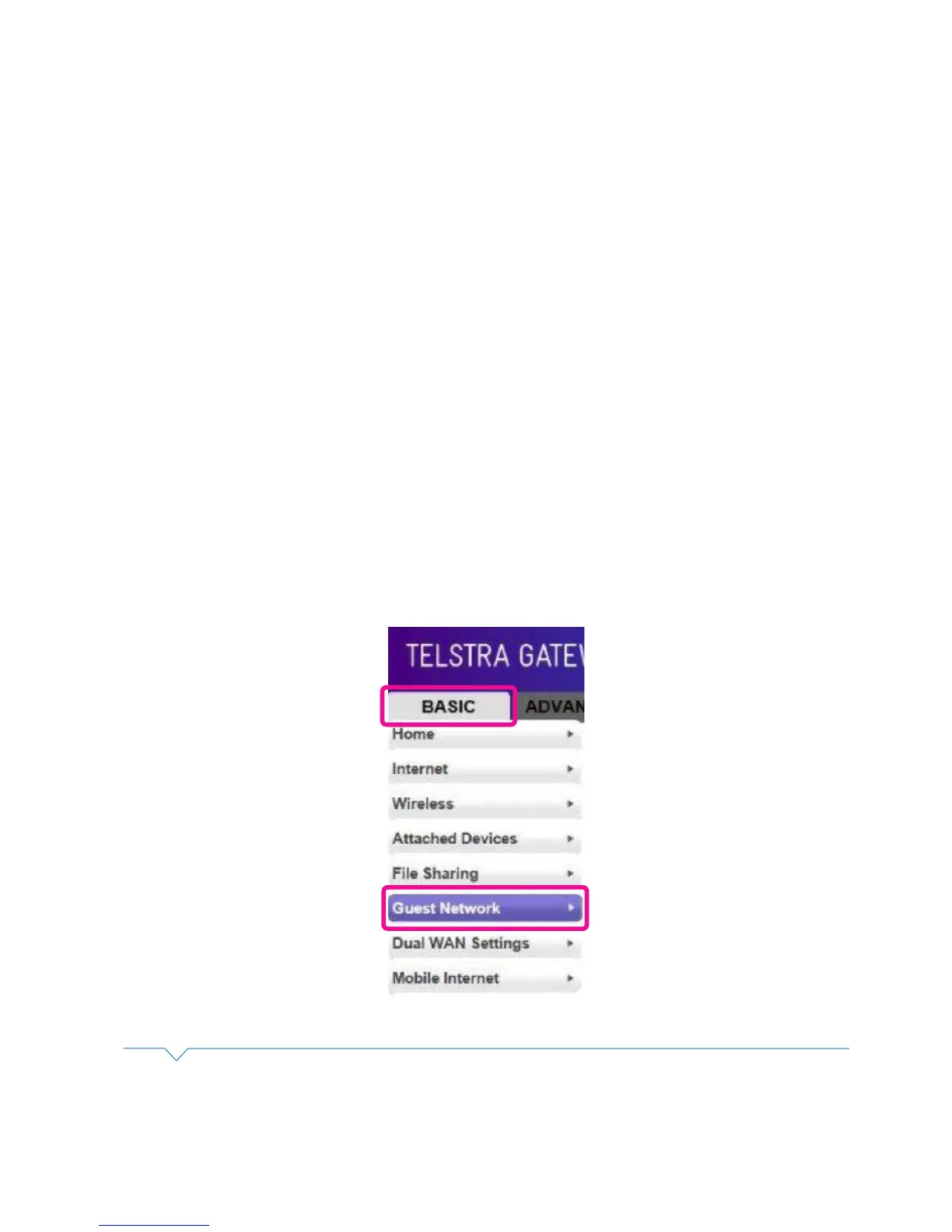
• To access the Gateway Control Panel page go to 192.168.15.1 in your browser and navigate to the
Basic -> Guest Network.
5. ADVANCED SETTINGS
Figure 45: Basic Menu Guest Wireless
• Select either of the Network Proles 1, 2 or 3 wireless access points then enable and congure as required.
To congure the Guest Wireless LAN settings you will need to make any changes that may be required in
the Guest Network Setting screen. Refer to the numbered sections in the Figure 49 and the Guest Wi-Fi
settings table for detailed information about these settings and how to change them.



 To Next Page