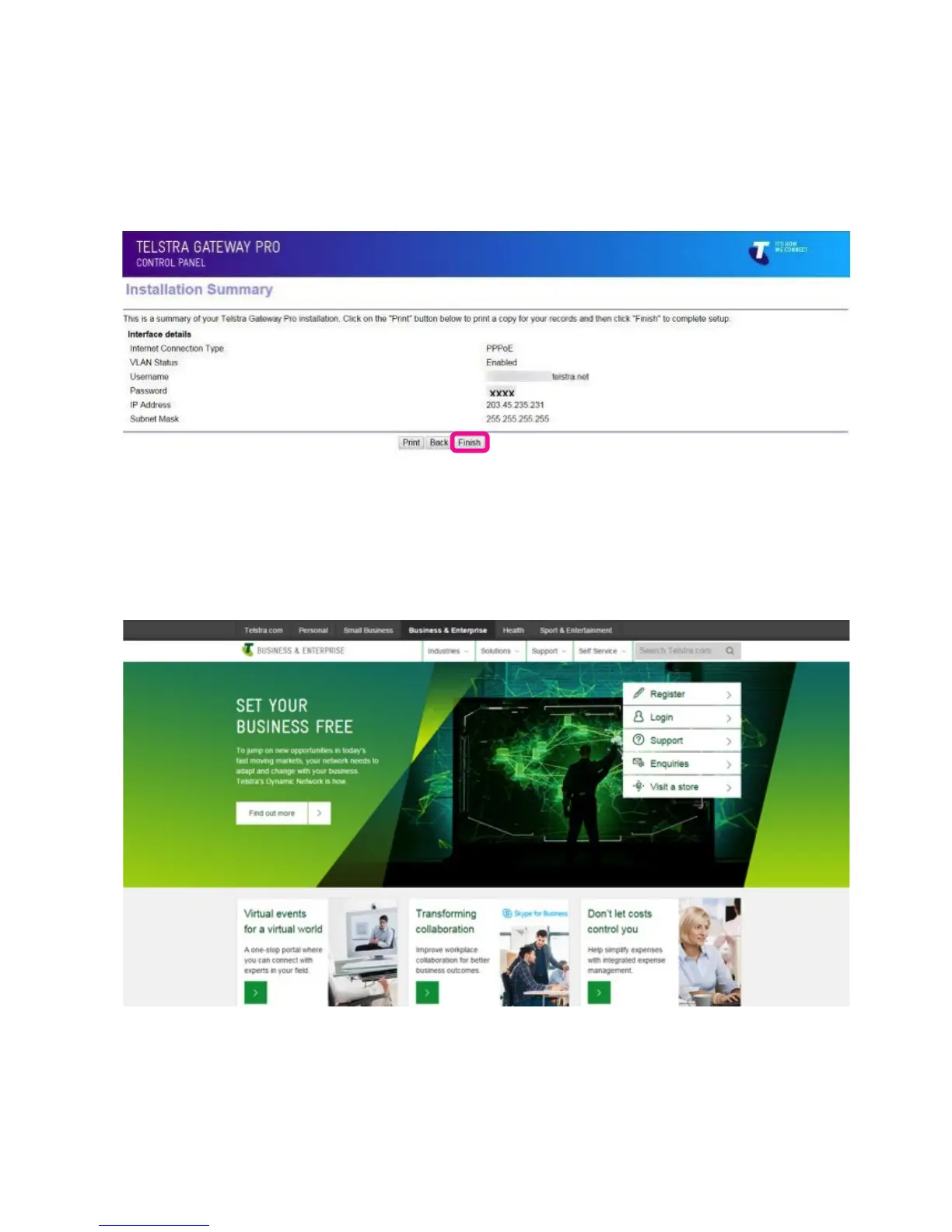
If you have selected items to congure follow the wizard through to the summary screen.
• You will now see a summary of the setup. Review any changes you have made and click Finish.
The changes will now be made to the Gateway and additional conguration for voice setup
(if applicable) will be downloaded.
Figure 17: Installation Summary Page
Figure 18: Telstra Business Website
• When installation is complete the Telstra Business Website will load. You are now connected to the
Internet.
To congure your Telstra Gateway Pro™ after the initial setup, follow the steps in Section 3.2.



 To Next Page