39
TELSTRA GATEWAY PRO
™
USER GUIDE
The USB storage device can have up to 10 partitions. If your device has more partitions the extra
partitions will be ignored.
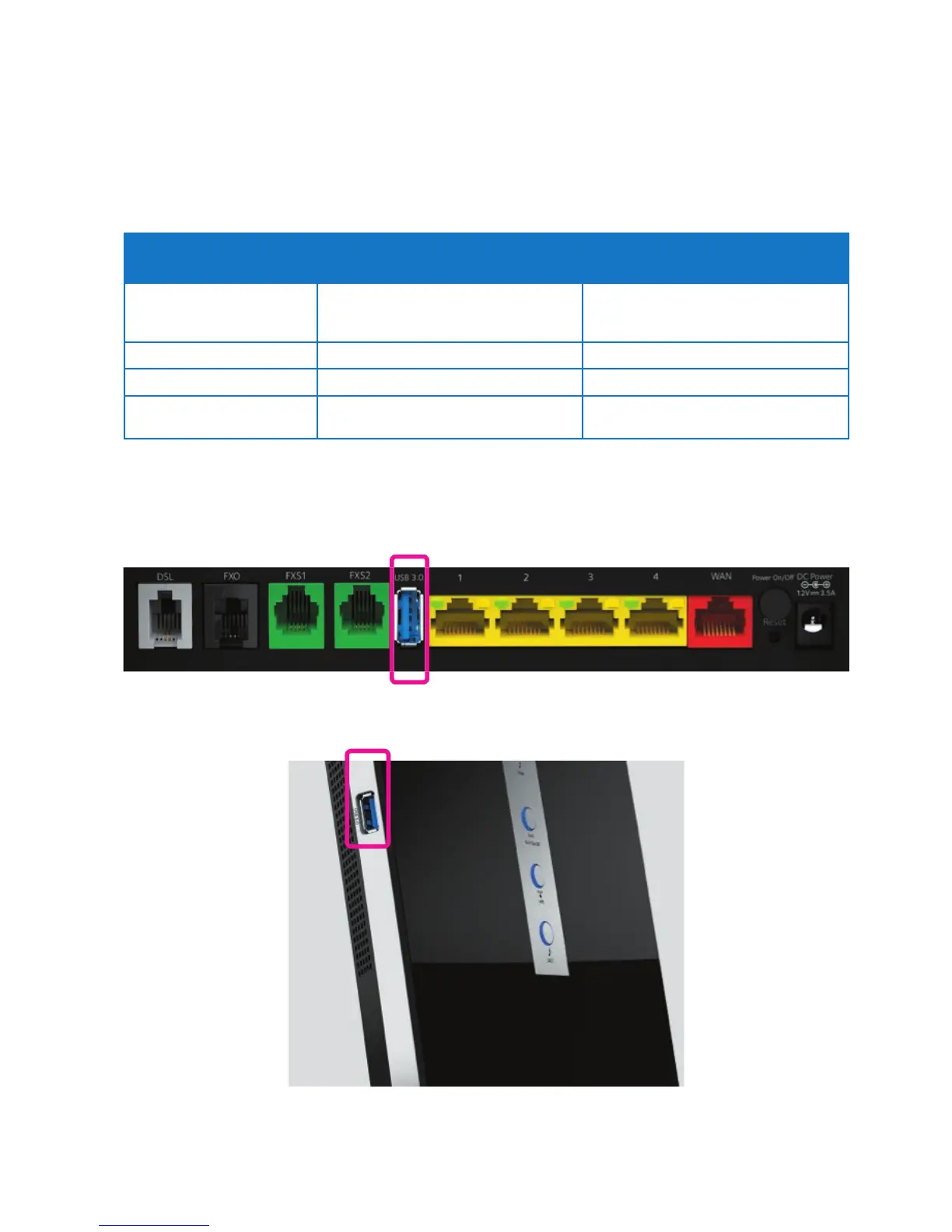
The File Server is enabled by default. The only thing that you need to do is to plug your USB memory stick
or external hard disk in one of the USB ports of your Gateway. The connected storage will be visible on
your network. The table below provides a list of con guration options for connected devices:
Network File Server UPnP AV Media Server
Function
Store and access your data on your local
network
Make media les available for UPnP AV
capable devices like media players and
set-top boxes from your local network.
Access
Read and write
Read-only
Accessible from
Local network
Local network
Type of content shared
All les from all partitions and disks that
are connected*.
All les from the rst partition of the
connected disks*.
*Supported le type information: jpg, jpeg, jpe, png, wav, mp3, wma, m1a, m2a, m4a, mpa, mp4, ts, wmv, mpg, mpv, mpeg,
asf, avi, divx, v, mkv, m2ts, vob, m1v, m2v, m4v, mov, 3gp, pcm, tts. Maximum number of les displayed = 500 including
thumbnail les.
Figure 47: Telstra Gateway Pro™ Back USB Port
Figure 48: Telstra Gateway Pro™ Side USB Port



 To Next Page