By selecting the country automatically the corresponding area version
is activated with different calculation formulas and associated
measurement parameters.
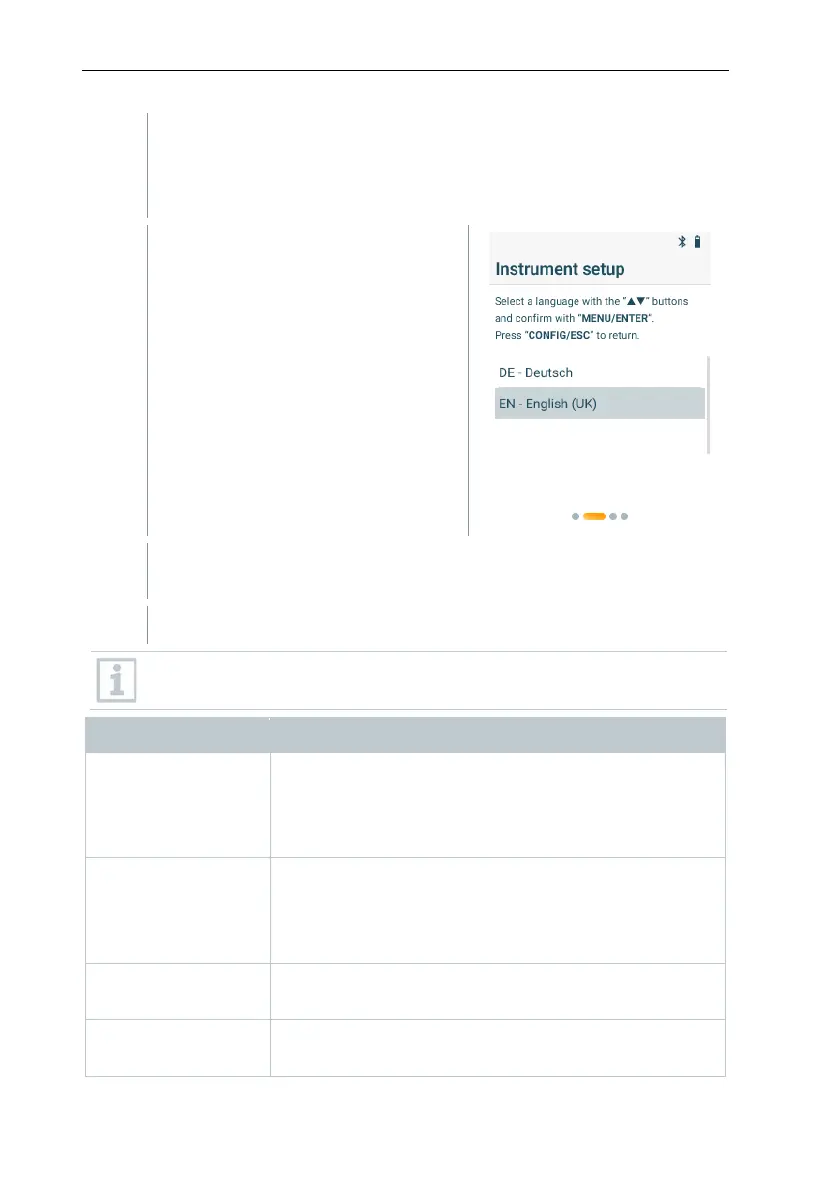
The language selection is shown.
Use [▼] and [▲] to select the
desired language and confirm the
selection with [MENU/ENTER].
The device changes to the selected language and the menus for
further settings are shown.
Use [CONFIG/ESC] to revert to the previous parameter at any time.
• Set values: [▲] and [▼].
• Switch selection between hour, minute (tens) and
minute (single units): [MENU/ENTER].
• Switch to the next parameter: [MENU/ENTER].
• Set values: [▲] and [▼].
• Switch selection between year, month and day:
[MENU/ENTER].
• Switch to the next parameter: [MENU/ENTER].
• Select the unit: [▲] and [▼].
• Switch to the next parameter: [MENU/ENTER].
• Select the unit: [▲] and [▼].
• Switch to the next parameter: [MENU/ENTER].



 To Next Page