9 Smart App
41
9.3 Measurement menu
The testo 310 II has permanently installed measurement programs (flue gas
measurement, CO ambient, draught and differential pressure). These enable the
user to carry out convenient configuration and implementation of specific
measuring tasks.
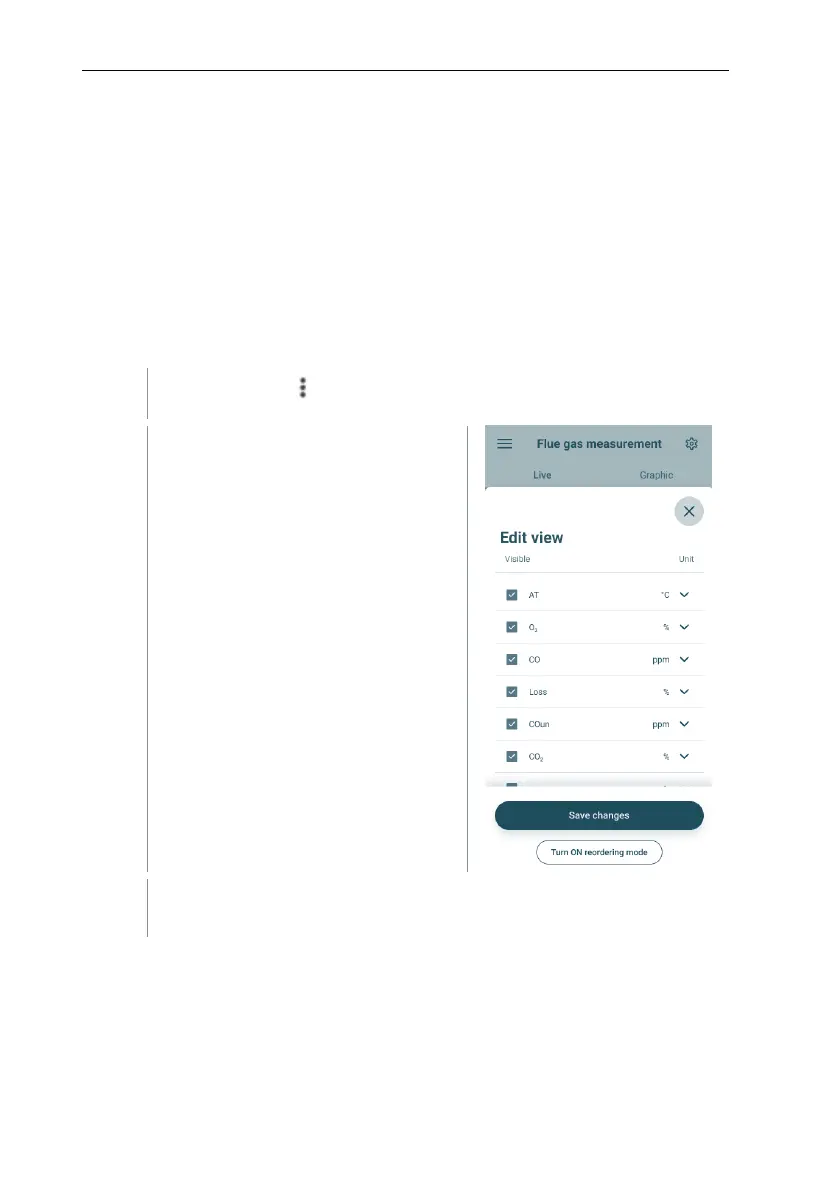
9.3.1 Customize view
The order of the displayed measured variables in the Flue gas measurement
application menu can be adjusted via the app. The adjustment of the order then
applies to the app and the display on the device.



 To Next Page