8 Using the product
18
8.1.2 Instrument configuration menu / after
commissioning
After initial commissioning, settings can be made via the device configuration
menu.
Device settings can only be made if no measurements are running at
the same time.
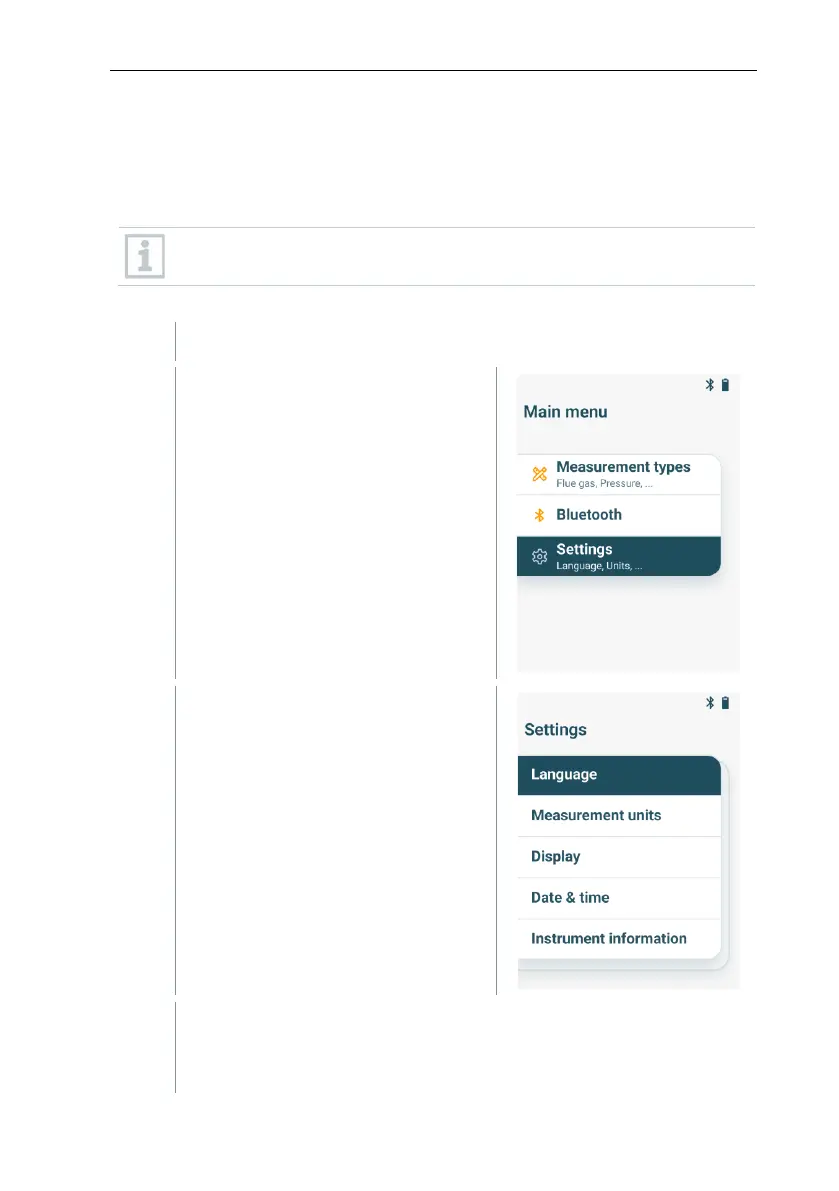
Press [MENU/ENTER] when the device is switched on.
Use [▼] and [▲] to select Settings
and confirm the selection with
[MENU/ENTER].
Use [▼] and [▲] to select the
desired setting parameter and
confirm the selection with
[MENU/ENTER].
The following settings are possible:
• Language: Selection of available languages
• Measurement units: Changing temperature unit and pressure unit



 To Next Page