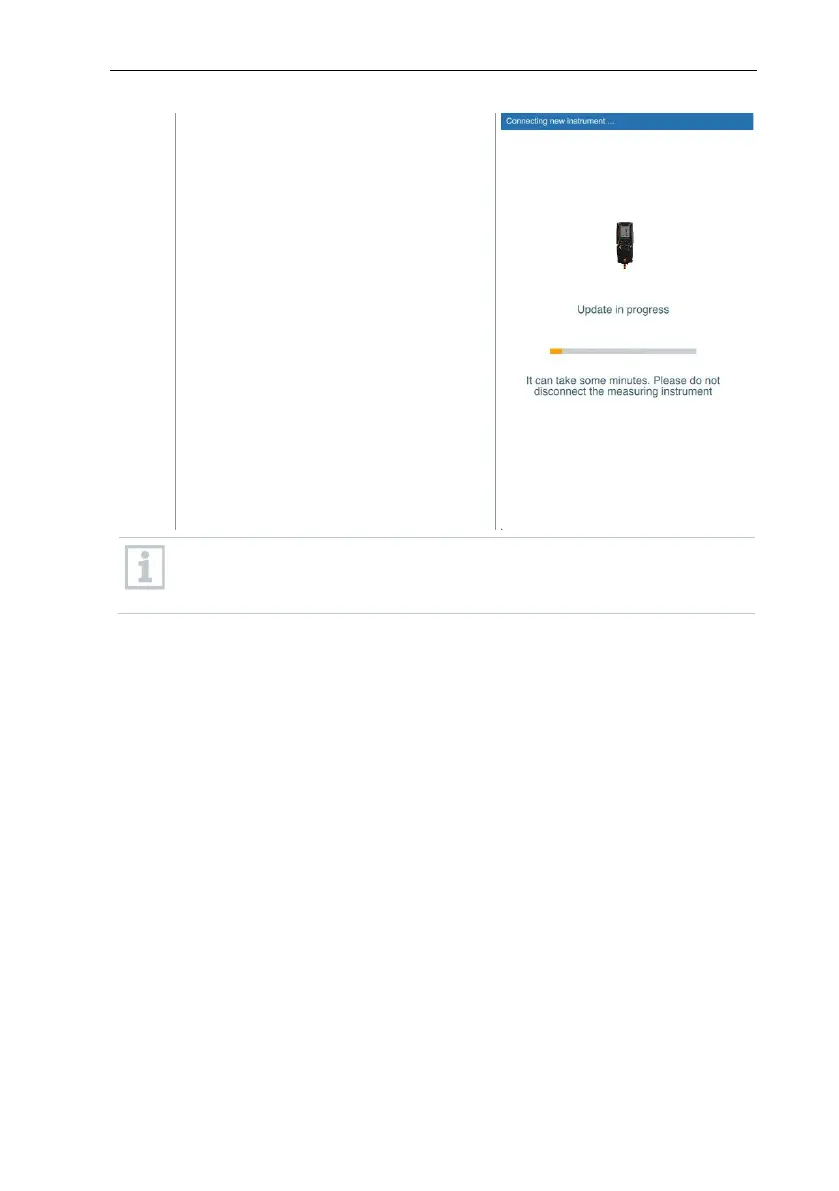
After the update, the measuring
instrument will reboot. The firmware
can be checked in the instrument
menu or via the app. It is
recommended to restart the testo
Smart App after performing the
instrument update.
For wireless firmware updates, a battery power of >25% must be
ensured on the measuring instrument for an update to be carried out
completely.
9.9 testo DataControl archiving software
The free testo DataControl measurement data management and analysis
software enhances the functionality of the testo Smart App measuring
instrument with lots of useful functions:
• Manage and archive customer data and measuring site information
• Read out, evaluate and archive measurement data
• Presenting readings in graphic form
• Create professional measurement reports from the existing measurement
data
• Conveniently add pictures and comments to measurement reports
• Data import from and data export to the measuring instrument



 To Next Page