8 Using the product
25
8.4 Perform flue gas (UnI) measurement
With this function a series of measurements is carried out with 3
measuring phases (UnI 1 – UnI 3), each lasting 2 min. and 2 sec, to
calculate a mean value.
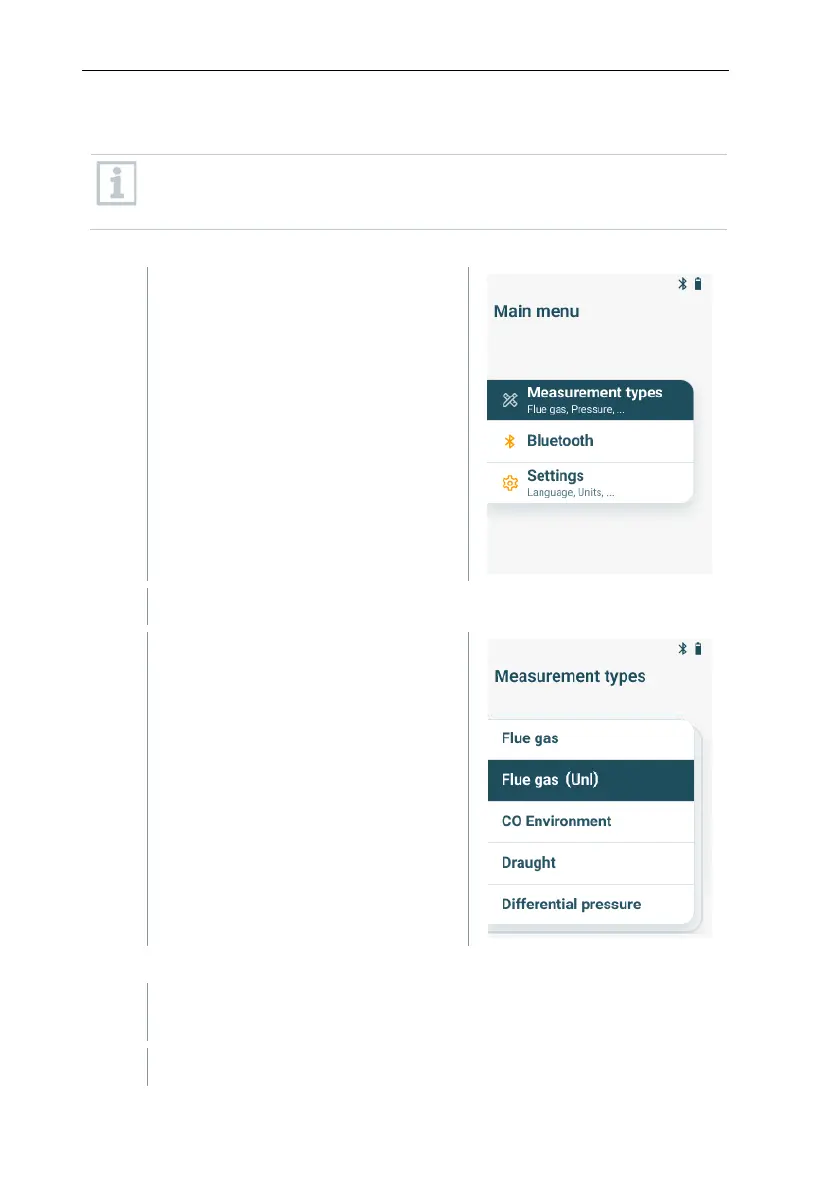
Press [MENU/ENTER] to open the
main menu and select Measurement
types with [MENU/ENTER].
The menu Measurement types is shown.
Select the measurement type Flue
gas (UnI) with [▼] and [▲] and
confirm the selection with
[MENU/ENTER].
Carry out the measurement
If required, the measurement device can manually be zeroed in fresh
air.
Start measurement: select [Start 1/3] with the right function key.



 To Next Page