Once the first measuring phase has lapsed, the measurement is
stopped and the intermediate results are shown.
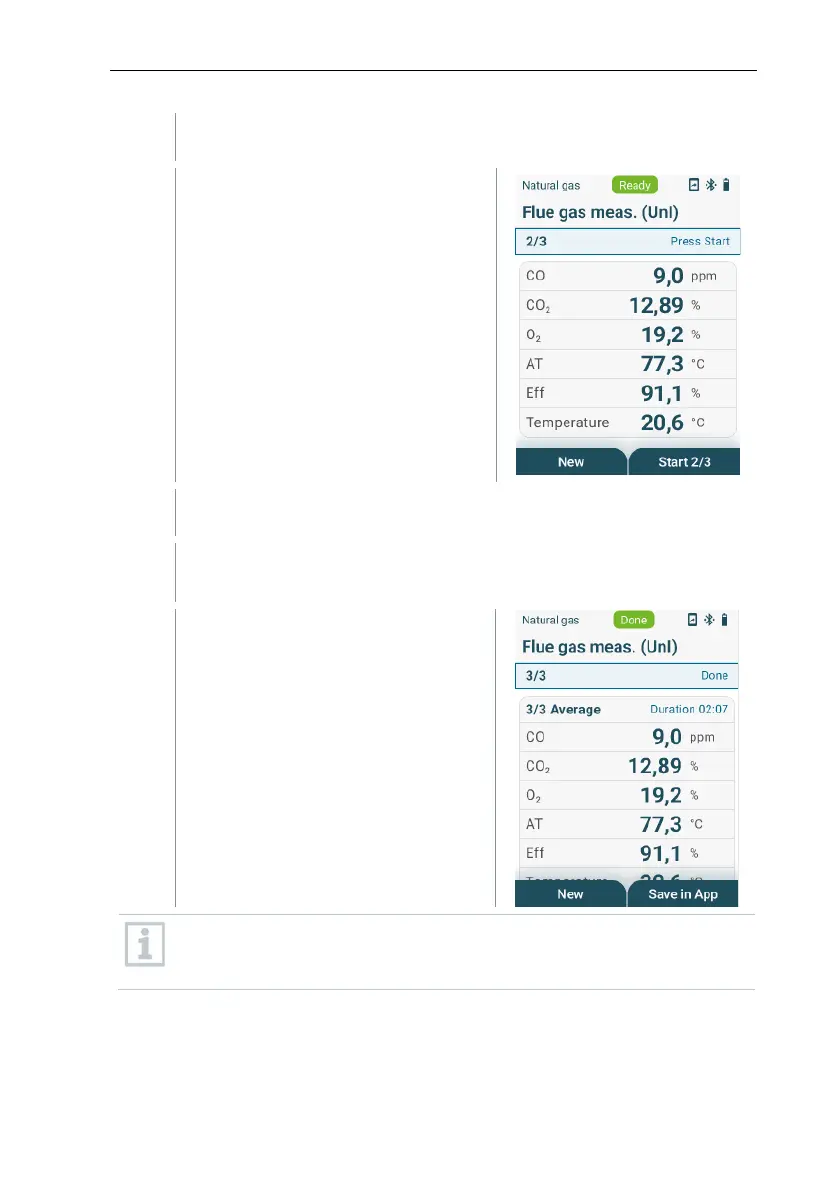
Start second measuring phase:
select [Start 2/3] with the right
function key.
Once the second measuring phase has lapsed, the measurement is
stopped again and again the intermediate results are shown.
Start last measuring phase: select [Start 3/3] with the right function
key.
Once the measurement period has
lapsed, the measurement stops
automatically and the measuring
results are shown.
In case the measurement device is connected with the testo Smart App,
the measured values can be saved in the app with the right function
key.



 To Next Page