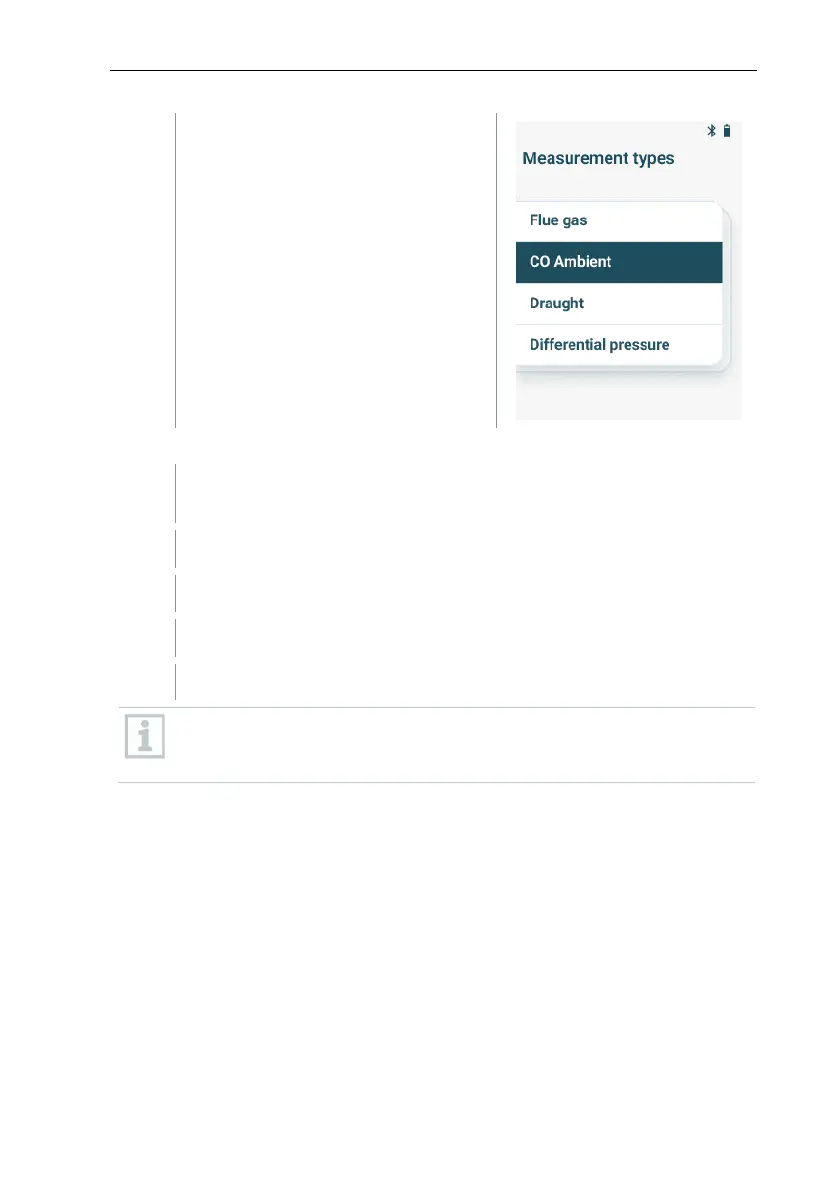
Select the measurement type CO
Environment with [▼] and [▲] and
confirm the selection with
[MENU/ENTER].
Carry out the measurement
If required, the measurement device can manually be zeroed in fresh
air.
Start measurement: select [Start] with the right function key.
The measurement is started.
Quit measurement: select [Stop] with the right function key.
The measured values are shown on the display.
In case the measurement device is connected with the testo Smart App,
the measured values can be saved in the app with the right function
key.



 To Next Page