6 Using the product
123
Pos: 159 /TD/Produ kt verwenden/testo Sa veris/09 Einstellu ngen System/03 Wir eless probes @ 0\mod_1189598 701171_79.docx @ 4463 @ 3 @ 1
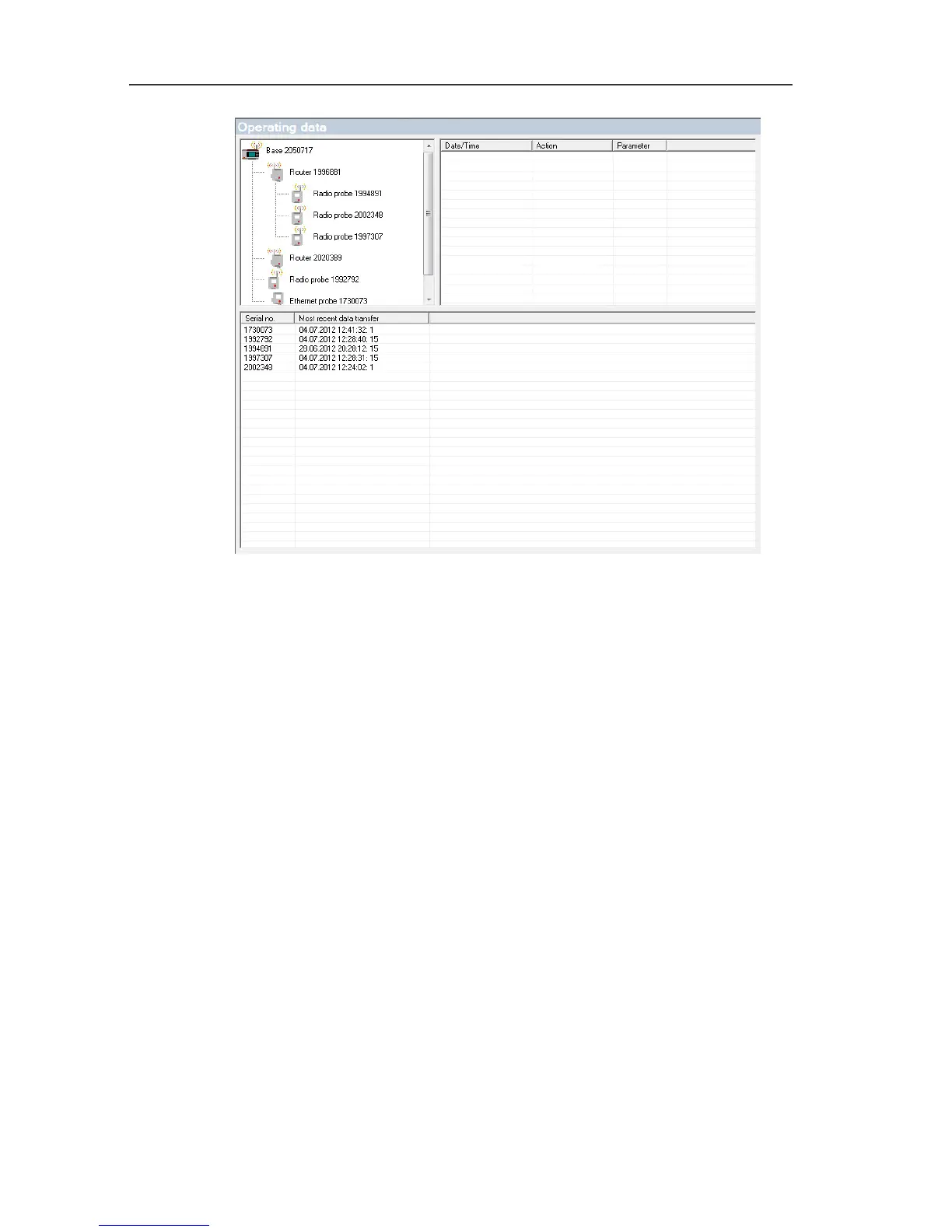
6.9.3. Settings for the radio probe
Using this menu item you can, for example, check the battery
status of the probe or the quality of the radio transmission.
1. Open the Radio probe entry.
- The radio probes connected in the Saveris base are listed
under the entry.
2. Click on one of the probe names to open the information on the
probe.
- The settings of the selected radio probe are shown in the
display range.



 To Next Page
 Loading...

