7 Maintaining the product
138
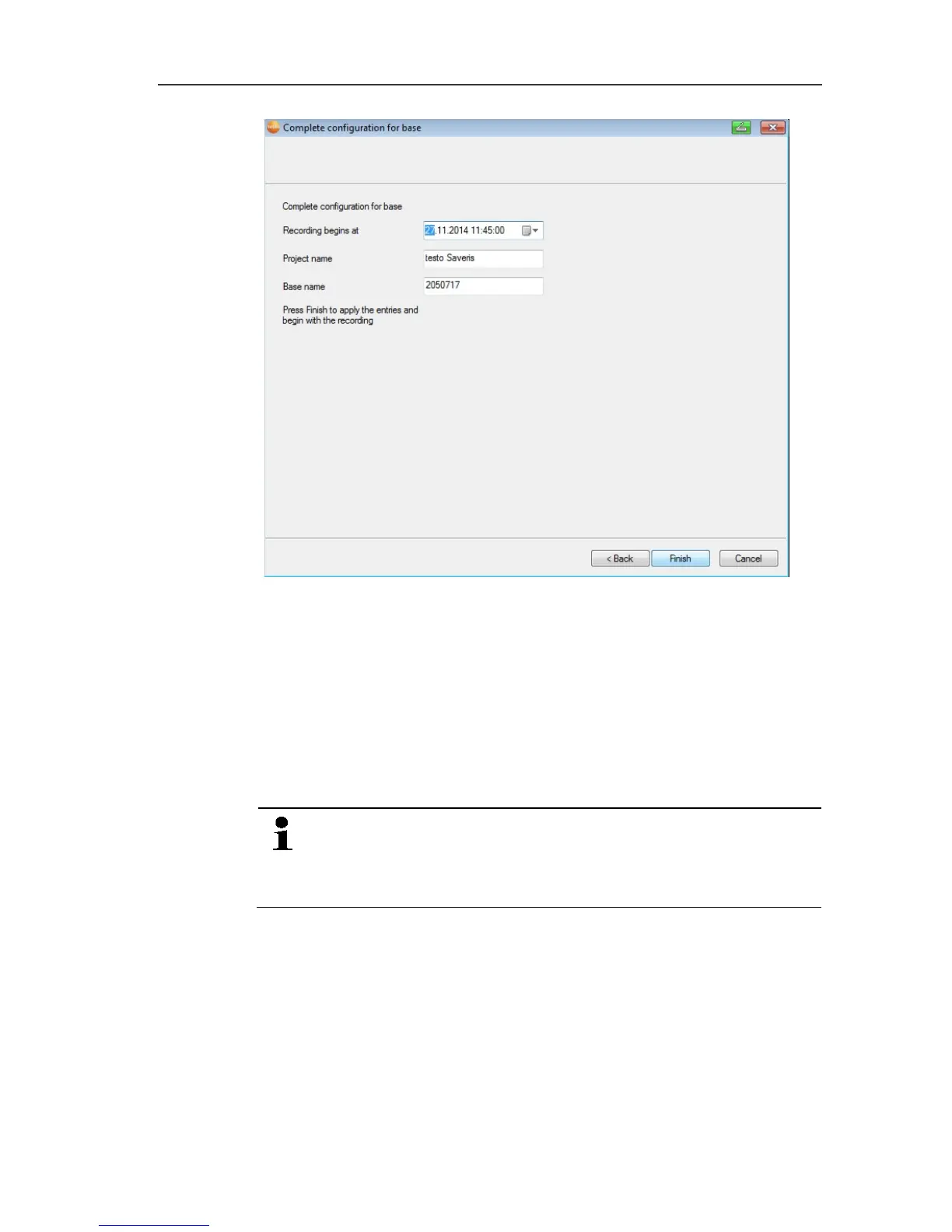
18. Postpone the start of measurement if necessary.
19. Click on [Finish] to end the hardware startup.
- A message about the successful configuration of the hardware
is displayed.
20. Confirm the message by clicking [OK].
- The new hardware is now ready to be used.
Pos: 170 /TD/Produ kt instand halten/te sto Saveris/Komponen ten erneut anmelden @ 12\mo d_1338382604983_79.doc x @ 125984 @ 2 @ 1
7.2.3. Logging components back in
When logging components already logged into the current
project back in, measuring values can be updated in the
existing data column of the measuring value table or a new
measuring value column can be set up.
1. Log the new probe into the Saveris base; see Connecting radio
probe, page 37.
2. Start the testo Saveris startup wizard.
- The startup wizard is opened.



 To Next Page
 Loading...

