7 Maintaining the product
148
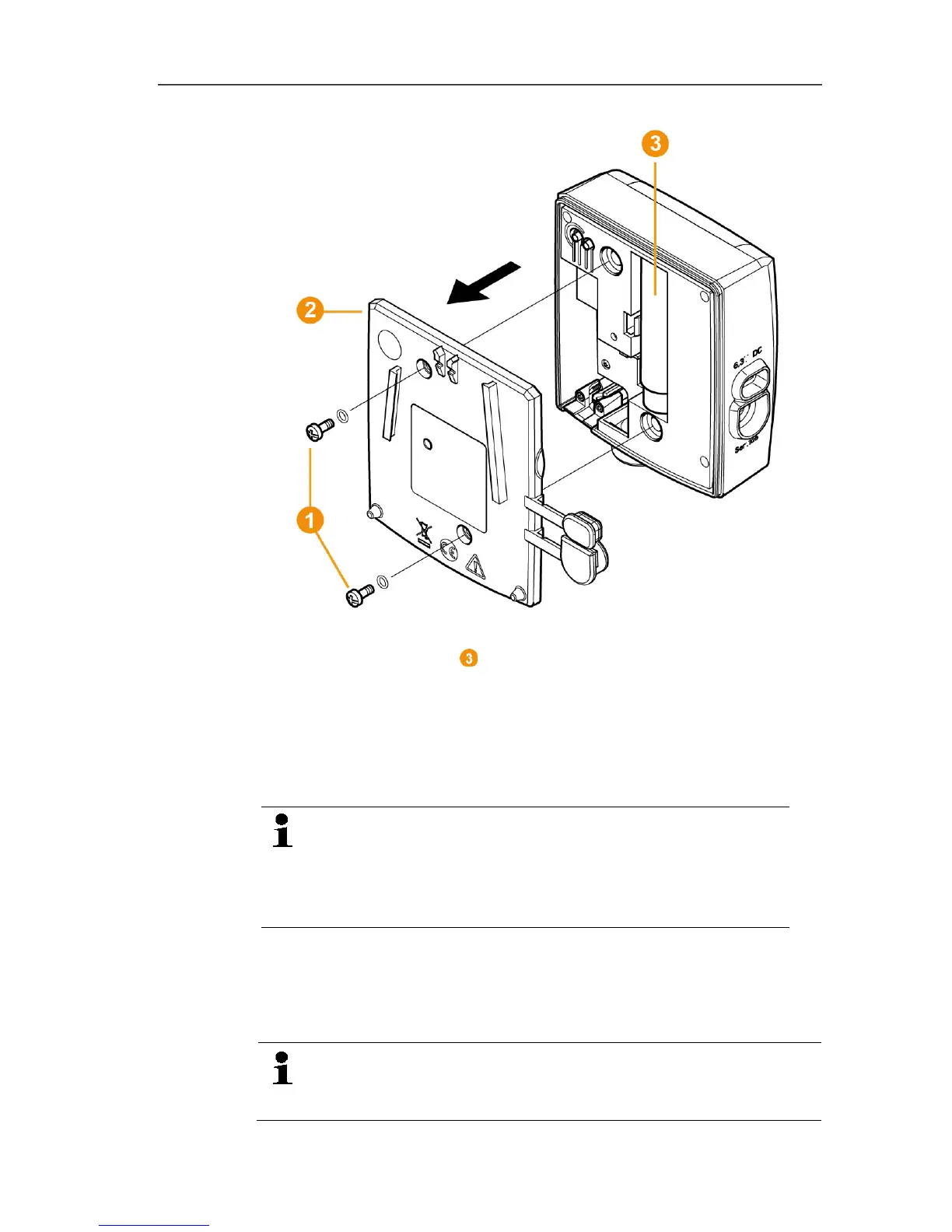
4. Replace the battery .
5. Refit the housing cover.
6. Screw the cover tightly on to the housing.
7. Restore the power supply to the component (mains plug/plug-in
or screw terminal 24 V AC/DC/Ethernet cable (PoE)).
- Component is ready for operation.
A control switch is located in the housing that is
actuated through the cover. The cover must be screwed
to the housing without a gap.
If the control switch is not actuated through the cover,
the component cannot be operated.
Pos: 177 /TD/Produ kt instand halten/te sto Saveris/08 a Software- Firmware Update dur chführen @ 12\mod_13383844 01105_79.docx @ 126017 @ 2 @ 1
7.9. Carrying out a software and firmware system
update
- To make the most of the Saveris system performance,
the system should be updated regularly.
- Software and firmware updates should always be carried



 To Next Page
 Loading...

