5 First steps
69
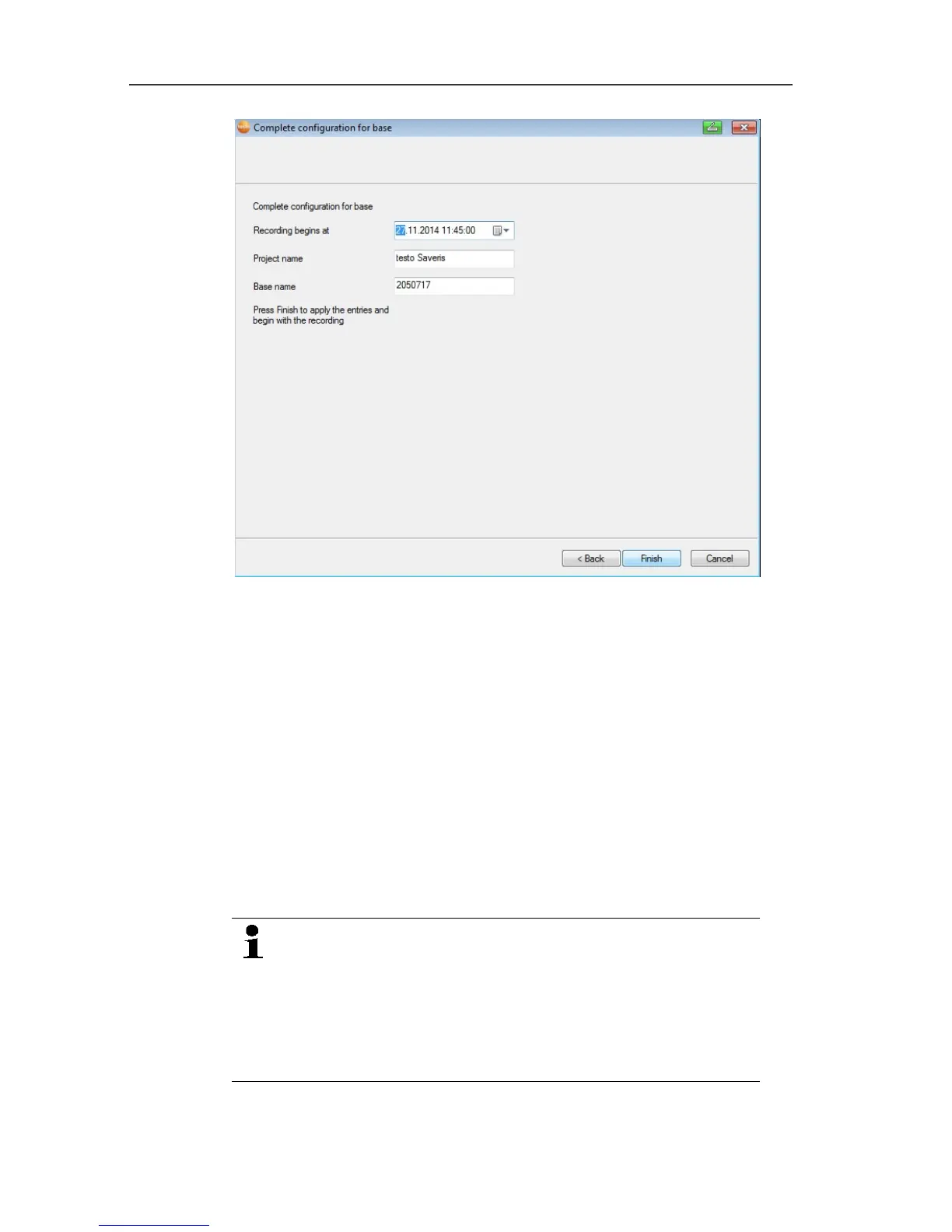
13. Postpone the start of measurement if necessary.
14. Click on [Finish] to end the hardware startup.
- A message about the successful configuration of the hardware
is displayed.
15. Confirm the message by clicking [OK].
- The new hardware is now ready to be used.
Pos: 77 /TD/Erst e Schritte/testo Saver is/Hardware erwei tern/02 Converter einbi nden/00 Converter ei nsetzen @ 1\mod_119755060 7093_79.docx @ 6315 @ 35 @ 1
5.11.4. Integrating Saveris converter (optional)
If the distance between the radio probe or router is too large for a
radio transmission, you can integrate a Saveris converter into the
measuring system. The converter is connected to the Saveris base
by means of an Ethernet cable and converts the radio signals to
Ethernet signals.
The measurement data of up to 15 radio probes/routers
can be transmitted with the converter to the Saveris
base.
You can connect several converters to the Saveris base
using a so-called switch. In this context, note that a
maximum of 150 probes can be connected or 450
measurement channels recorded at the Saveris base.



 To Next Page
 Loading...

