5 First steps
64
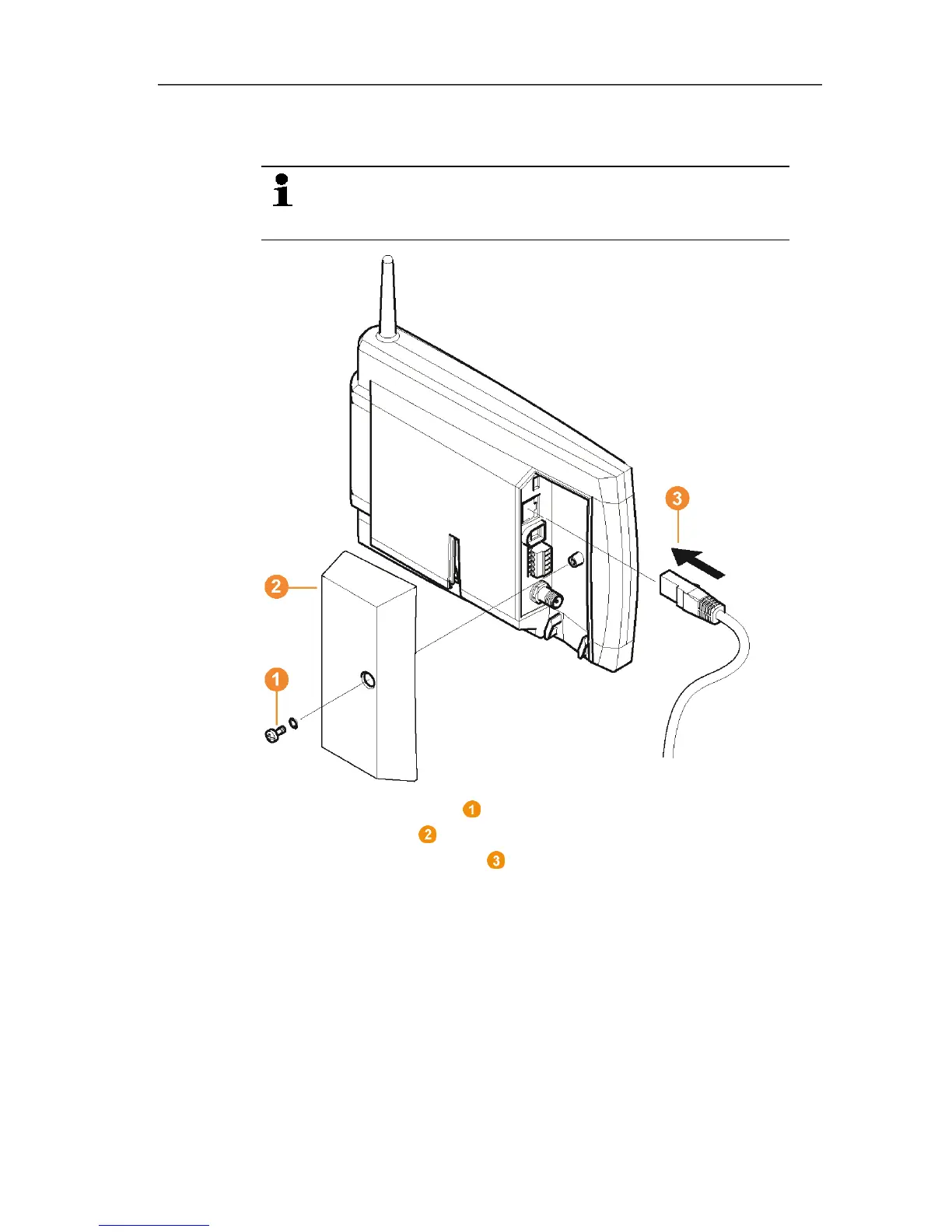
5.11.3.5. Connecting the network cable to the Saveris base
You can integrate the Saveris base into a network via a
network hub or connect the Ethernet probe directly via a
network cable.
1. Loosen and remove screw connection.
2. Remove cover from Saveris Base.
3. Plug the network cable into the Saveris base.
Pos: 76 /TD/Erst e Schritte/testo Saver is/Hardware erwei tern/03 Ethernet-Fühler einbinden/05 Etherne t-Fühler inbetrieb neh men @ 1\mod_120342155198 4_79.docx @ 8237 @ 3 @ 1



 To Next Page
 Loading...

