5 First steps
37
Pos: 58 /TD/Erst e Schritte/testo Saver is/03 Fühler an der Base anme lden @ 0\mod_1188478029 328_79.docx @ 2964 @ 2 @ 1
5.7. Connecting radio probe
You can connect a maximum of 15 probes to the
Saveris base directly via radio.
In addition, you can operate 15 probes per converter
and 5 more probes per router or router cascade at the
Saveris base.
Note that a maximum of 450 channels can be
processed by the Saveris software.
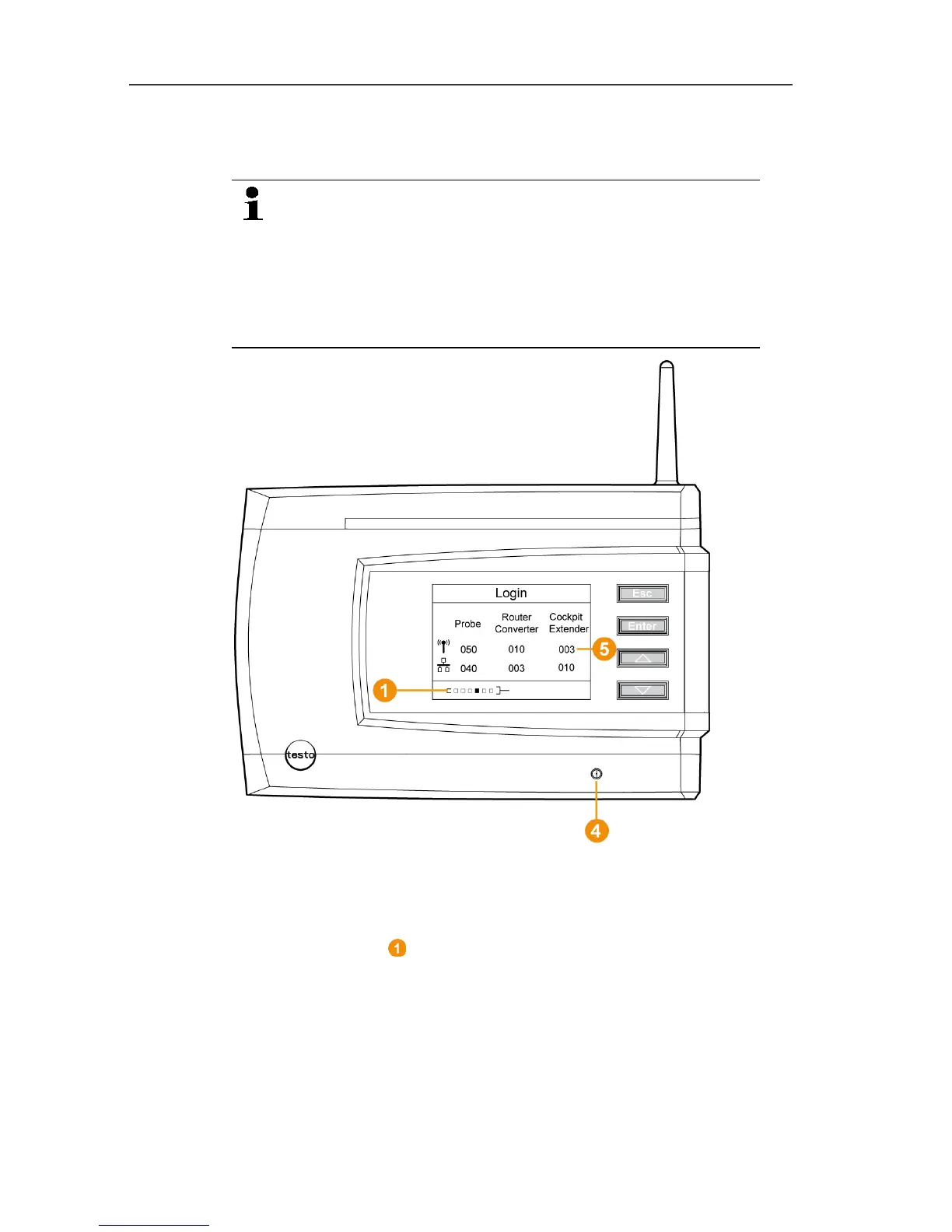
1. Change to the Info System menu at the Saveris base with the
[▼] button.
2. Press [Enter] to call up the Login function.
- The status bar in the display shows that the Saveris base is
ready for probe detection.



 To Next Page
 Loading...

