5 First steps
42
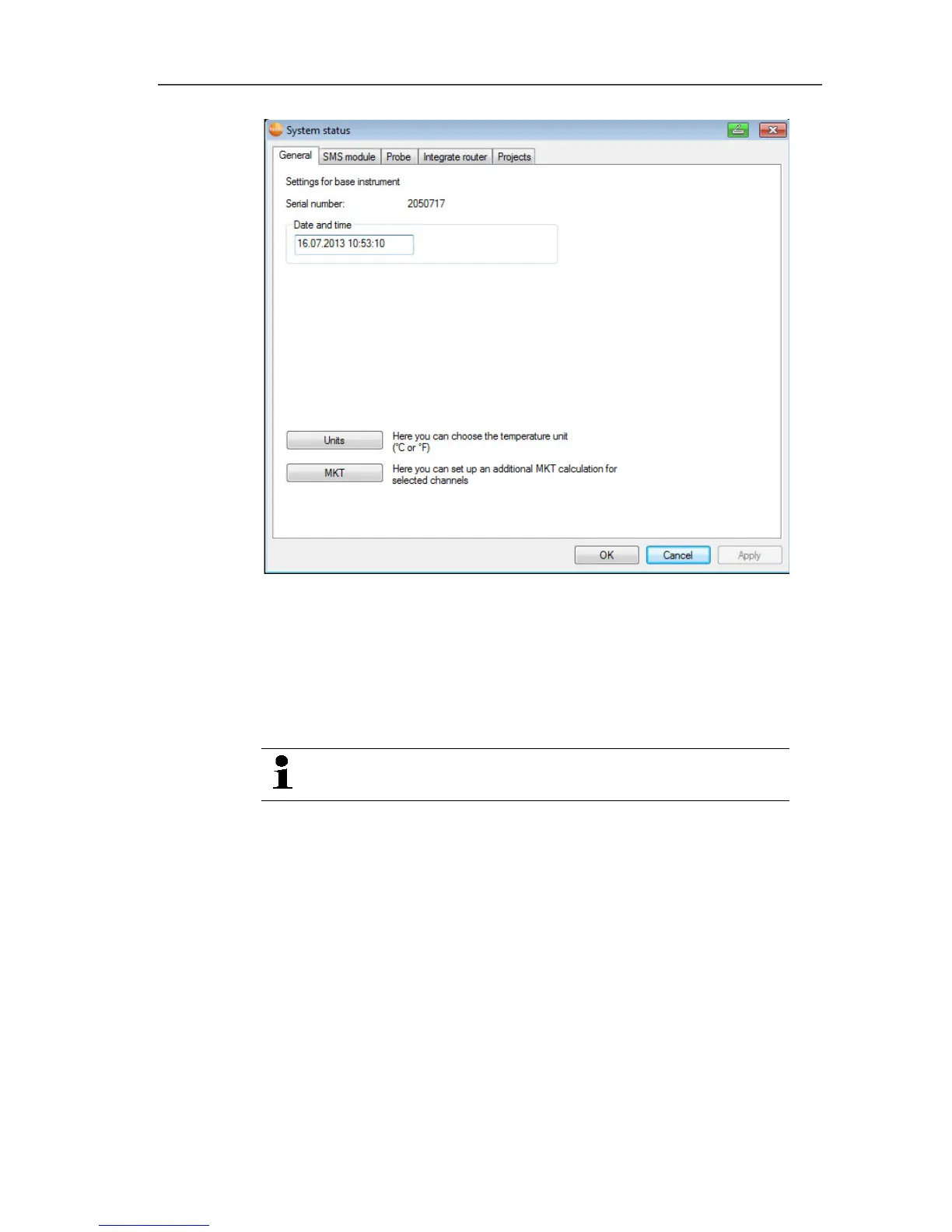
5. Click on [Units] to change the temperature unit for the system.
6. Click on [OK].
7. Make any further changes to the existing system settings as
required (see installation instructions).
Pos: 61 /TD/Produk t verwenden/testo Sa veris/01 Start/01_Sa veris-Software star ten @ 0\mod_1189076832593 _79.docx @ 3933 @ 2 @ 4
5.10. Starting Saveris software
Ensure that the Saveris software is not already open,
for example in multi-user operation under Windows
®
.
1. Select [Start] | All Programs | Testo | Saveris.
- The Testo Saveris software program window is opened with
the Select project dialogue.



 To Next Page
 Loading...

