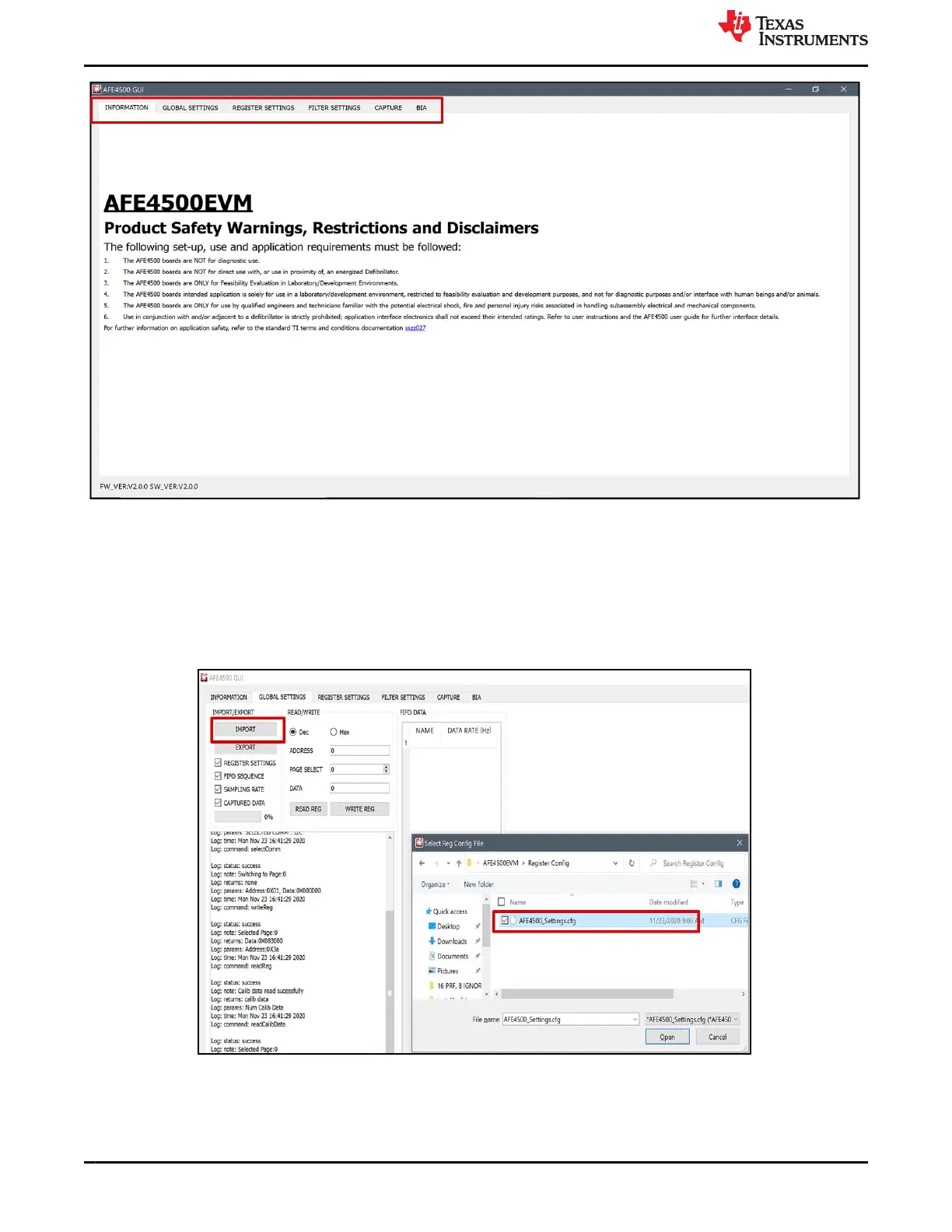
Figure 2-3. EVM GUI window
2.1 Import AFE Register Configuration
AFE register configuration can be loaded to the AFE from GLOBAL SETTINGS page, using IMPORT button.
On clicking IMPORT, a window pops-up to select the AFE configuration. The AFE configuration files are created
using the excel register generation tool. Select AFE4500_Settings.cfg and click Open as shown in Figure 2-4.
Wait for the loading to complete and reach 100%. After loading is completed, navigate to CAPTURE page.
Figure 2-4. Loading configuration file generated using the configuration tool
EVM Software
www.ti.com
10 AFE4500 EVM User Guide SBAU370 – APRIL 2021
Submit Document Feedback
Copyright © 2021 Texas Instruments Incorporated











 To Next Page