AFE5832 GUI Installation
www.ti.com
24
SLOU489–August 2017
Submit Documentation Feedback
Copyright © 2017, Texas Instruments Incorporated
Software Installation
A.2 AFE5832 GUI Installation
Download the AFE5832 EVM GUI from the mySecureSoftware folder at
https://www.ti.com/securesoftware/docs/securesoftwarehome.tsp.
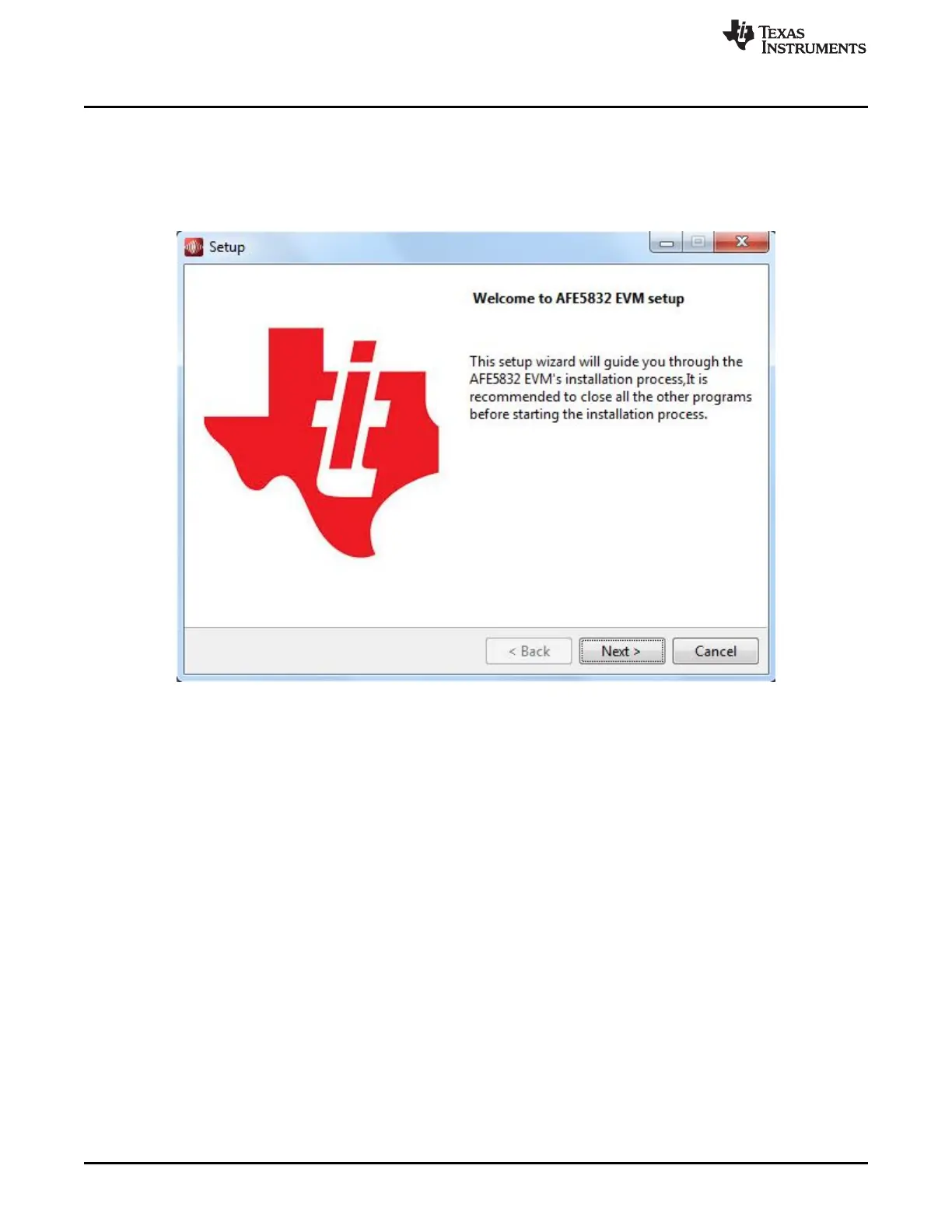
1. Unzip the saved file and run the installer executable as administrator by right clicking on the file and
selecting Run as Administrator. Press the Next button once the graphic in Figure 31 appears.
Figure 31. AFE5832 GUI Install (Begin Installation)
2. Read the Texas Instruments License Agreement and select I accept the agreement followed by the
Next button, as in Figure 32.










 To Next Page