BP-ADS7128 EVM Initial Setup
www.ti.com
10
SBAU331–May 2019
Submit Documentation Feedback
Copyright © 2019, Texas Instruments Incorporated
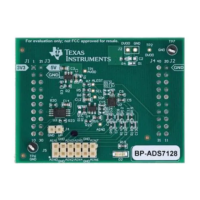
BP-ADS7128 BoosterPack™ Plug-In Module
3.2.1 BoosterPack™ Plug-In Hardware Setup Instructions
Following are the instructions to set up the BP-ADS7128 for evaluation:
1. Stack the BP-ADS7128 on the MSP432E401Y LaunchPad™ MSP-EXP432E401Y. Make sure the 20-
pin connector (J1, J3) on the BP-ADS7128 is mapped to connector (J5, J7) and that connector (J4, J2)
on the BP-ADS7128 is mapped to connector (J8, J6) on the MSP-EXP432E401Y. The silk screen on
the BP-ADS7128 must match with the MSP-EXP432E401Y.
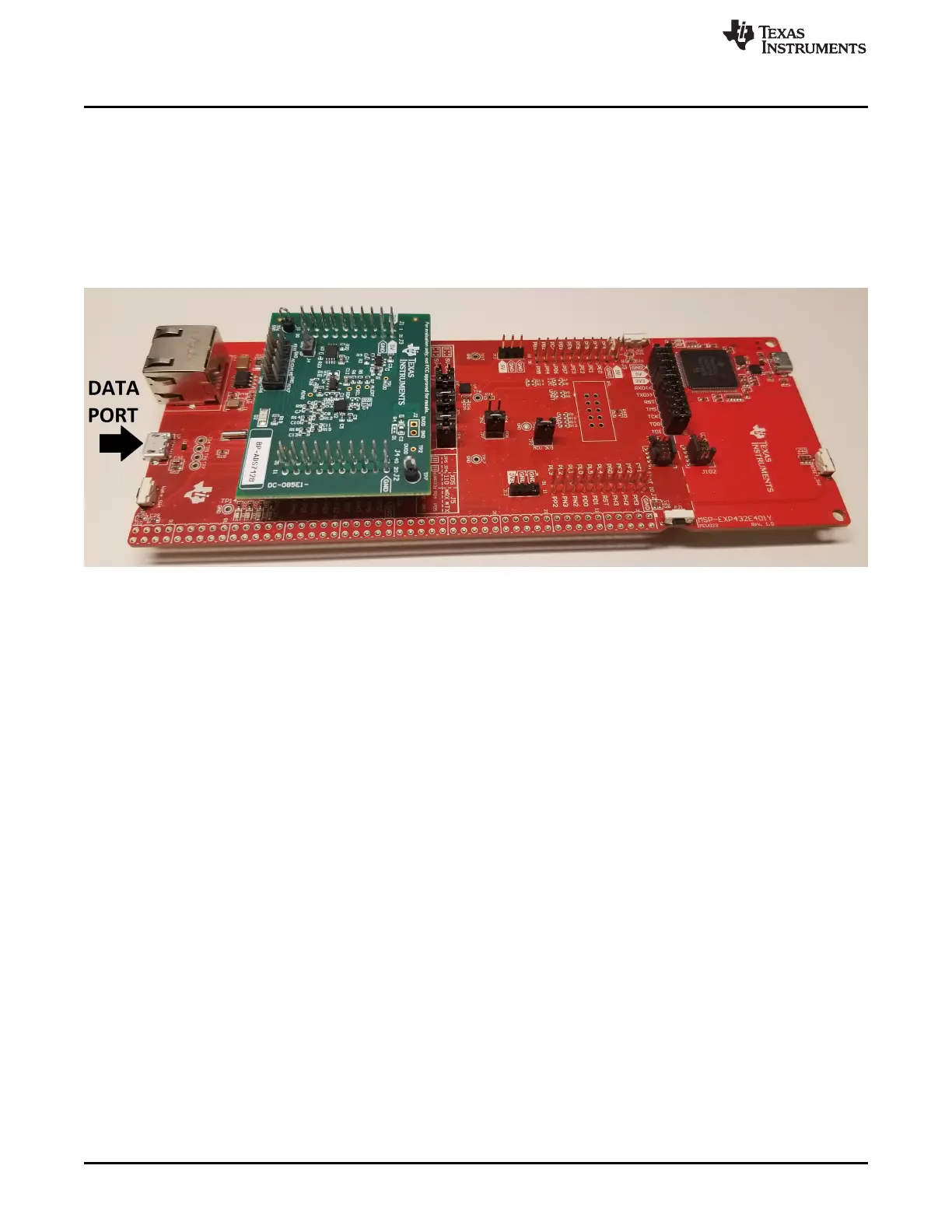
2. Connect the MSP-EXP432E401Y micro USB data port to an available USB port on the PC. Figure 9
shows the assembled BP-ADS7128 and MSP-EXP432E401Y configuration.
Figure 9. BP-ADS7128 Stacked on the MSP432E401Y LaunchPad™


 To Next Page
 Loading...