AS 680/682
Description, Operation and Maintenance Record and Replay
ADS−B
4−57Ed. 10.07
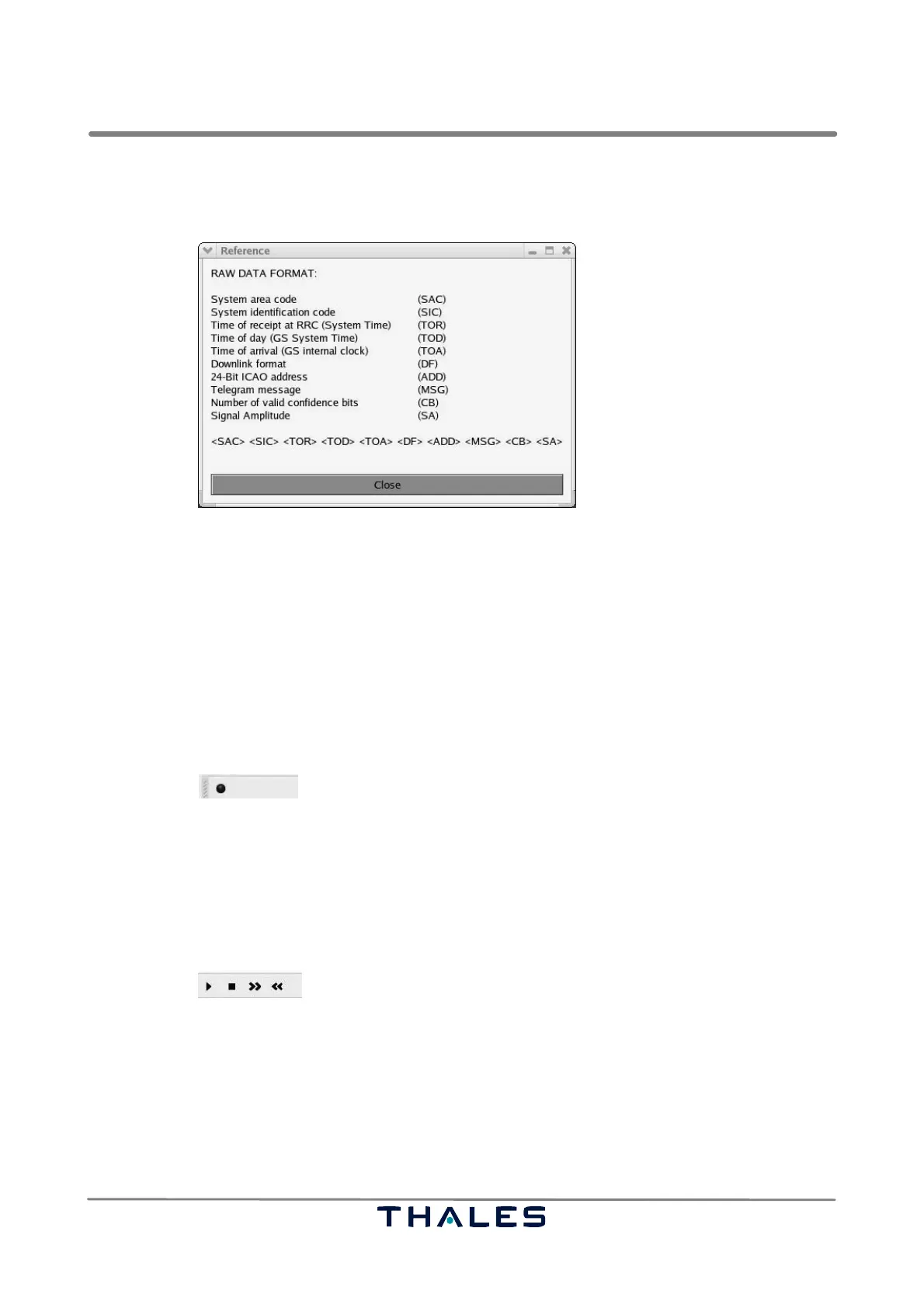
The Raw Record Reference panel shows the format of the Raw Record telegrams and the order they
are found inside a data block.
Fig. 4−89 Record/Replay tools, ’Reference’ panel (example)
4.6.2.3 Toolbar
The toolbar contains the same features as the menu ’Command’. The state of the buttons in the tool-
bar are consistent to the state of the corresponding menu items of the menu ’Command’.
4.6.2.3.1 Toolbar Record Tools
In case of recording tools, the toolbar contains only the ’Start’/’Stop’ button (refer to Fig. 4−90).
Fig. 4−90 Toolbar of Record Tool
4.6.2.3.2 Toolbar Replay Tools
In case of replay tools, the toolbar contains the ’Start’/’Pause’, the ’Stop’, the single step ’Next’ and
the single step ’Previous’ buttons (refer to Fig. 4−91).
Fig. 4−91 Toolbar of Replay Tool



 To Next Page