AS 680/682
Description, Operation and Maintenance Supervisor Operation
ADS−B
5−3Ed. 10.07
5.3 MENUBAR
The menubar (refer to Fig. 5−1) contains the menus ’File’, ’Groundstation’, ’Settings’, ’Refresh’,
’Page’ and ’About’.
5.3.1 Menu ’File’
The menu ’File’ contains two menu items with the following meaning:
S Minimize Window: Minimizes the main window.
S Exit: Saves the ’start−up settings’ for the next TSC session and exits the
TSC application.
The main window of the TSC cannot be minimized in the usual way, i.e. by pressing the minimize but-
ton which is mostly located at one of the upper corners of the window (depending on the window man-
ager actually used). Instead, the application can only be set to a similar state by choosing the ’Mini-
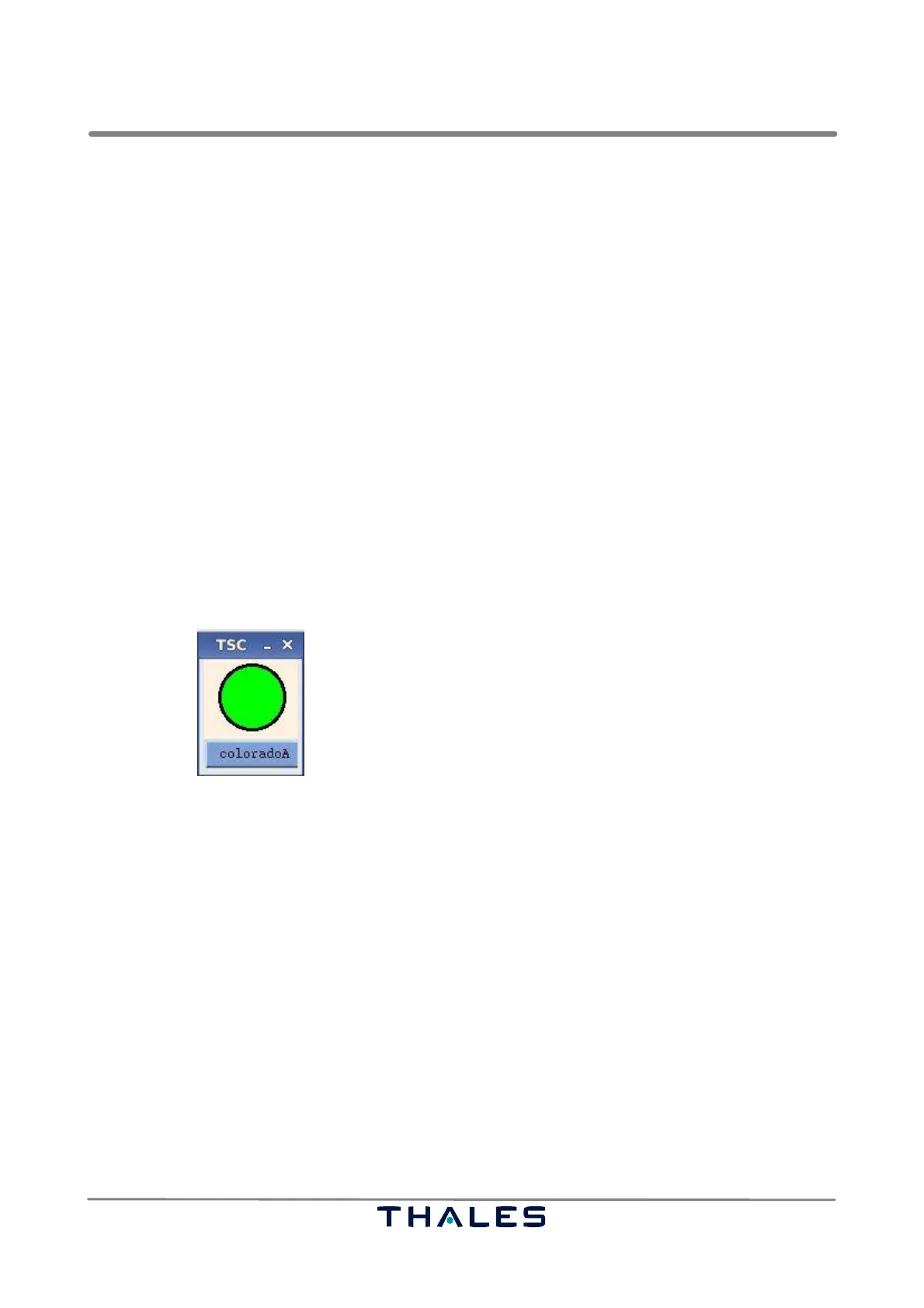
mize Window’ entry of the ’File’ menu. This command will shrink the window size to a certain minimum
while still showing the color coded operational status and the name of the Ground Station, as de-
picted in Fig. 5−3. The colors and codes of the operational status are described in section 5.4.2.2.
Fig. 5−3 TSC, Minimized View (example)
The Ground Station name is printed on a button that can be used to restore the main window.
The minimized view of the TSC application is particularly useful, if more than one Ground Station is
monitored at the same time. In this case, several instances of the TSC can run simultaneously each
supervising a different Ground Station. The minimized views of all the Ground Stations can be ar-
ranged on the screen so that an overview of the complete Ground Station network is immediately vis-
ible. The advantage of this decentralized view – unlike an integrated display of all Ground Stations’
status – is the complete independence of the TSC instances.
If the application is closed during the minimized state, size and position of the minimized window are
stored within the setting file:
[home]/.tsc/settings/
settings_startup_tsc.conf
When the TSC is started again, it will come up as minimized window at the previous size and position.


 To Next Page
 Loading...