AS 680/682
Description, Operation and Maintenance Supervisor Operation
ADS−B
5−49Ed. 10.07
5.4.16 Page ’Logging’
The TSC records all configuration and status changes of the AS 680 to three different output devices:
S the status bar
S the page ’Logging’
S the log file
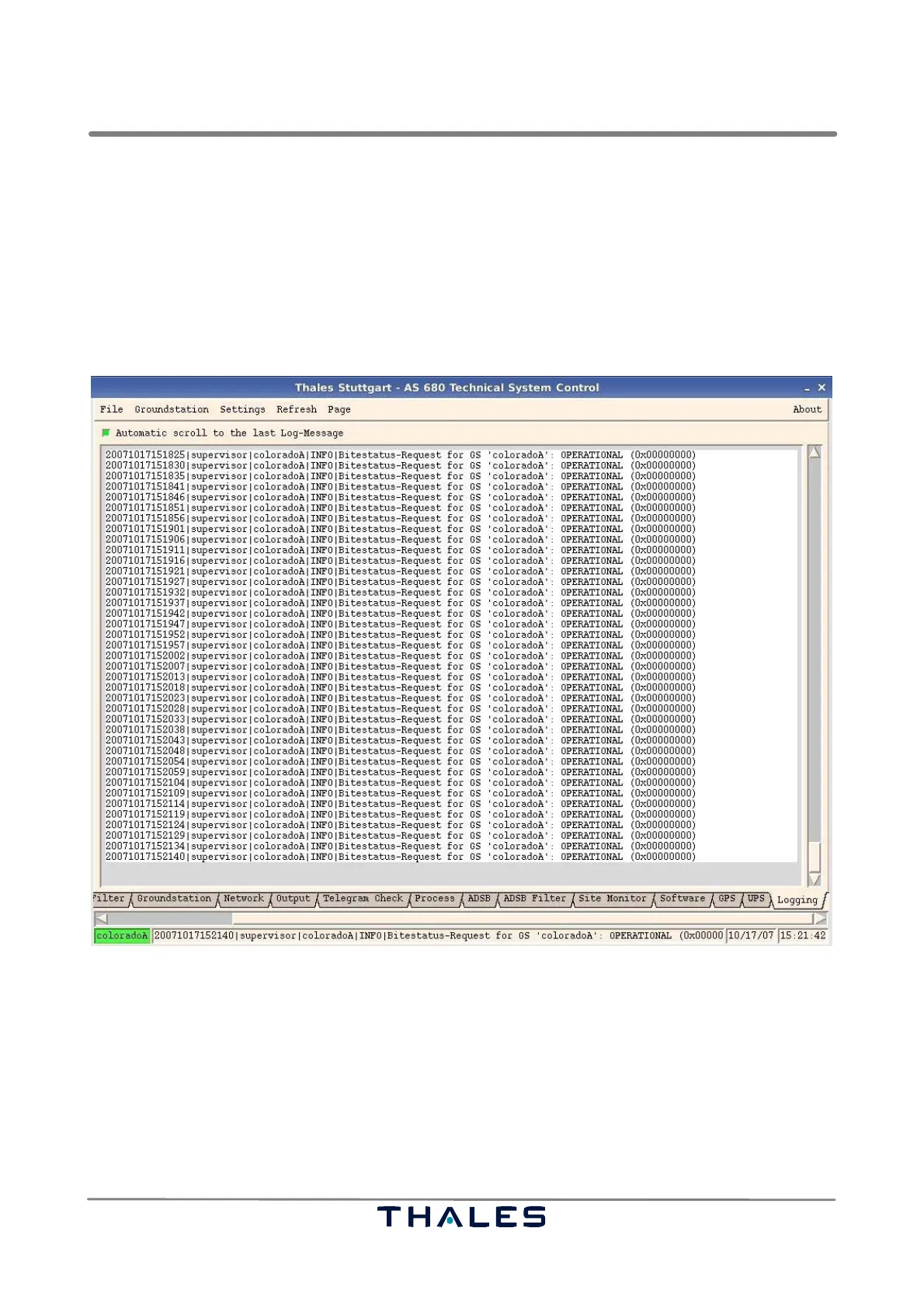
Fig. 5−49 Page ’Logging’ (example)
The content of the page ’Logging’, see Fig. 5−49, and the content of the log file are identical except
that the page ’Logging’ has a buffer of only 1000 log−messages, i.e. only the last 1000 log−mes-
sages can be displayed. A scroll bar on the right side can be used to scroll through the messages
on the page.
The option button at top of the message field can be used to enable/disable the ’Automatic scroll to
the last Log−Message’.



 To Next Page