AS 680/682
Description, Operation and Maintenance Basic Installation LCMS/RCMS
ADS−B
8−17Ed. 10.07
8.5.4 USB Memory Stick Handling
Normally, the kernel recognizes the usage of an USB memory stick automatically. The user shall
mount or dismount the memory stick like other interface devices.
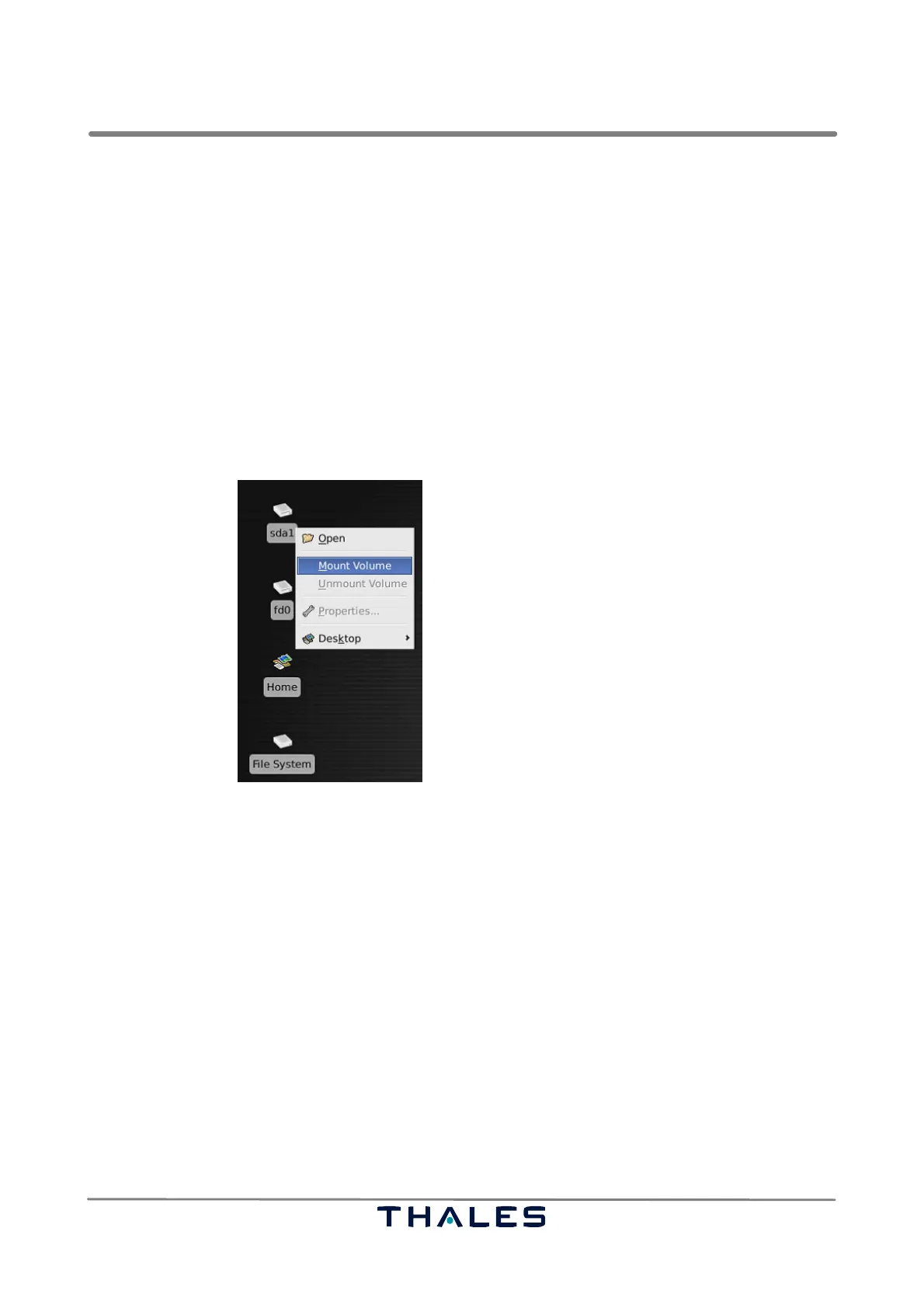
Insert the USB memory stick. An icon with its device name (example in Fig. 8−29 <sda1>) appears
on the desktop representing the device. A menu can be opened by right−mouse clicking on the icon,
which enables the user to mount the device through selecting ’Mount Volume’ (see Fig. 8−29).
NOTE: The automatic detection takes a few seconds.
Before pulling out the USB memory stick, unmount the device using the command ’Unmount Volume’
of the device menu.
Fig. 8−29 Device menu for memory stick handling (example)
8.5.5 Network Time Protocol (NTP)
It is recommended to run the NTP service on the RCMS host. A correct working NTP service ensures
that the RCMS has a correct system time.
The NTP package is installed on the RCMS by default. The NTP service has to be configured concern-
ing the network parameters. (Please ask your network administrator for details.)
To start/stop the NTP service you can use the tool
system−config−services. The configuration file
is located in
/etc/ntp.conf. Further information about NTP can be obtained from the online docu-
mentation which is located in
/usr/share/doc/ntp−x.y−z/index.html.



 To Next Page