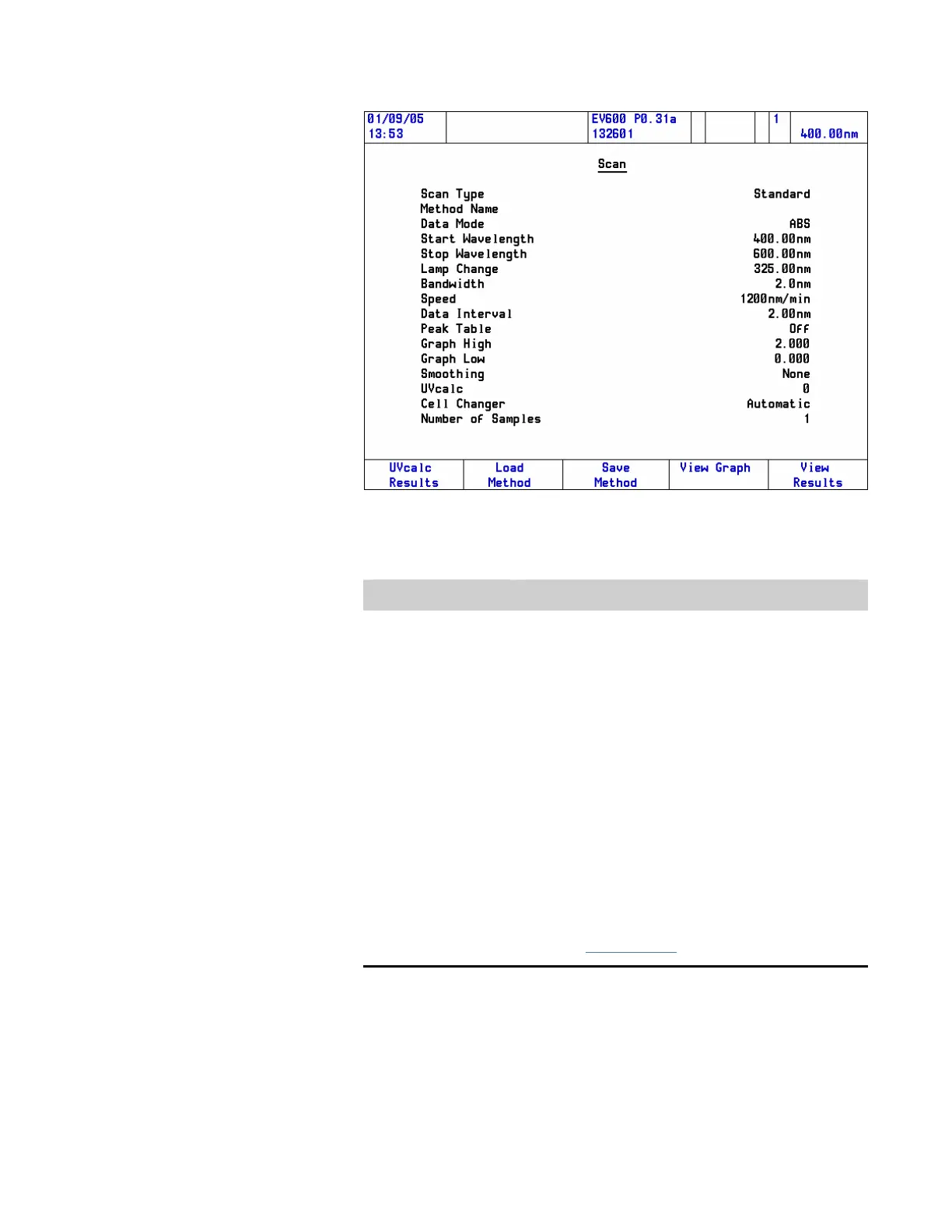
2. Set up Method.
Parameter Function
Scan Type Toggles between Standard and Intelliscan.
When Standard is selected, the user is allowed to
enter a scan speed.
When Intelliscan is selected, the Speed item is used
to select the Intelliscan mode, which also determines
the data interval.
Peak Table
Sets up a Peak Table for peak operations that will be
performed at run time.*
Graph High Enter maximum values for the graph y axis.*
Graph Low Enter minimum values for the graph y-axis.*
Smoothing
Selects the degree of smoothing required at run
time.*
UV
calc
Refer to “Using UVcalc
” :
*Alternatively, these operations are all available as post run manipulations.
3. Set up any Accessory Methods required (only when a Smart
Accessory is installed).
42 Evolution 300 and Evolution 600 User Guide Thermo Fisher Scientific












 To Next Page