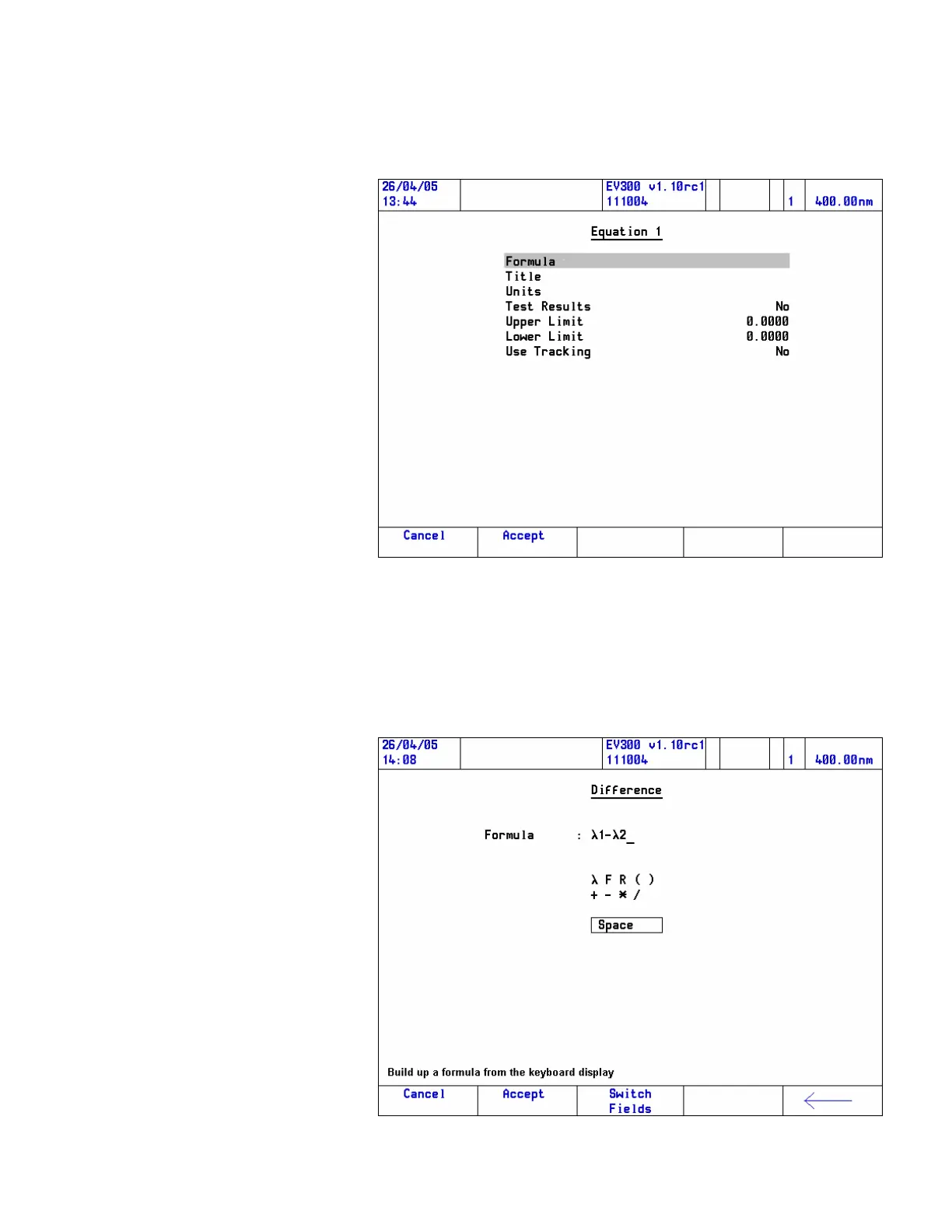
2. Highlight the equation to be edited (Equation 1 if you are starting a
UVcalc calculation) and press Enter.
The equation entry page for the selected equation opens, with the
Formula line highlighted.
3. Press Enter to edit the formula.
The formula page opens.
Thermo Fisher Scientific Evolution 300 and Evolution 600 User Guide 69












 To Next Page