EPD/HB/40521/000
ISSUE 5
EPD TECHNICAL HANDBOOK Page 5
SECTION 2
GETTING STARTED
This section describes the general procedures that must be carried out to ensure that
the EPD is set-up correctly and is functionally operational.
2.1 Setting-up
The EPD requires very little setting-up. Setting-up is primarily confined to:
1. Unpacking the EPD,
2. Inserting the battery,
3. Checking the initialisation sequence,
4. Checking the default settings,
5. Performing a confidence test.
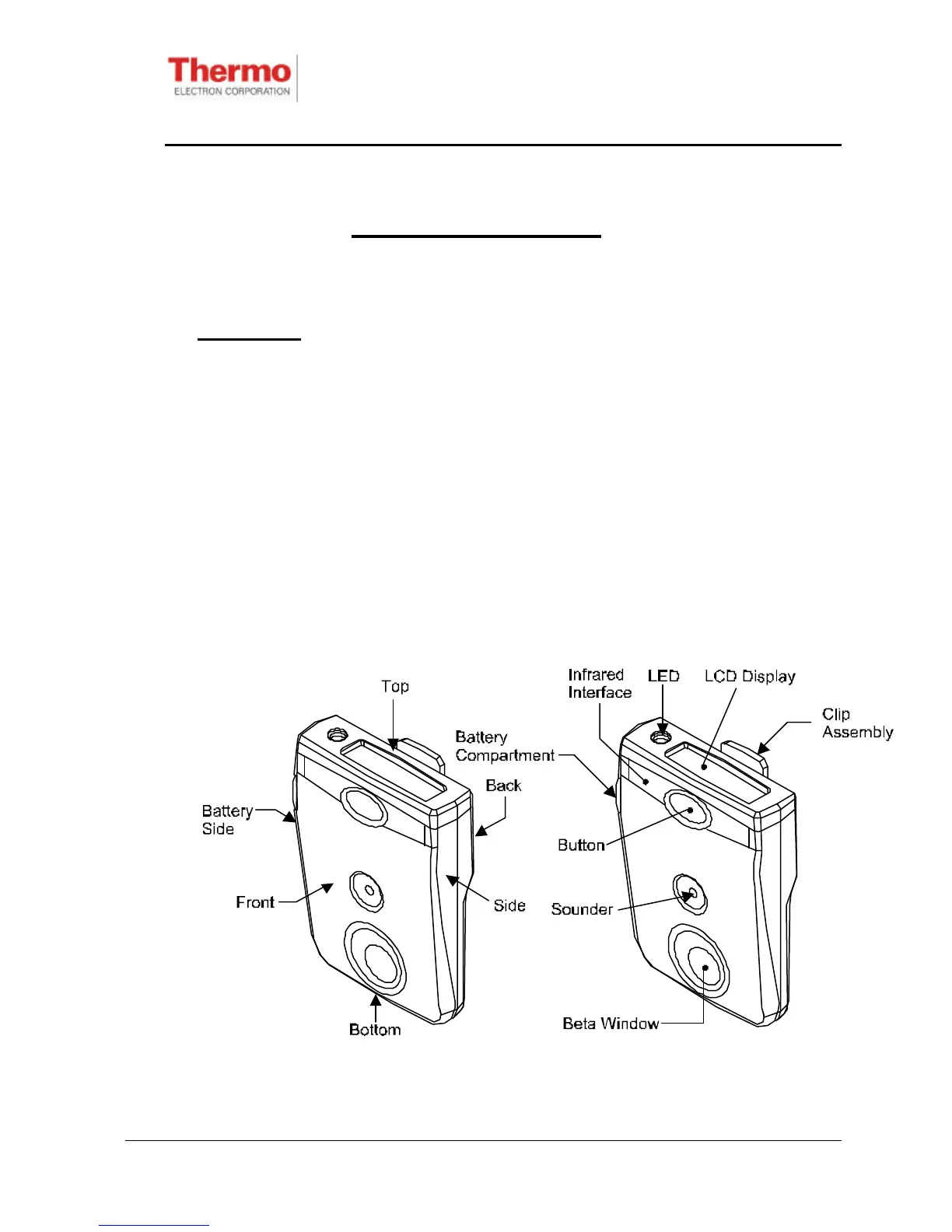
A general view of the EPD is shown in Figure 2.1. External features are described in
Table 2.1.
Figure 2.1 - External View Of The EPD










 To Next Page