EPD/HB/40521/000
ISSUE 5
EPD TECHNICAL HANDBOOK Page 32
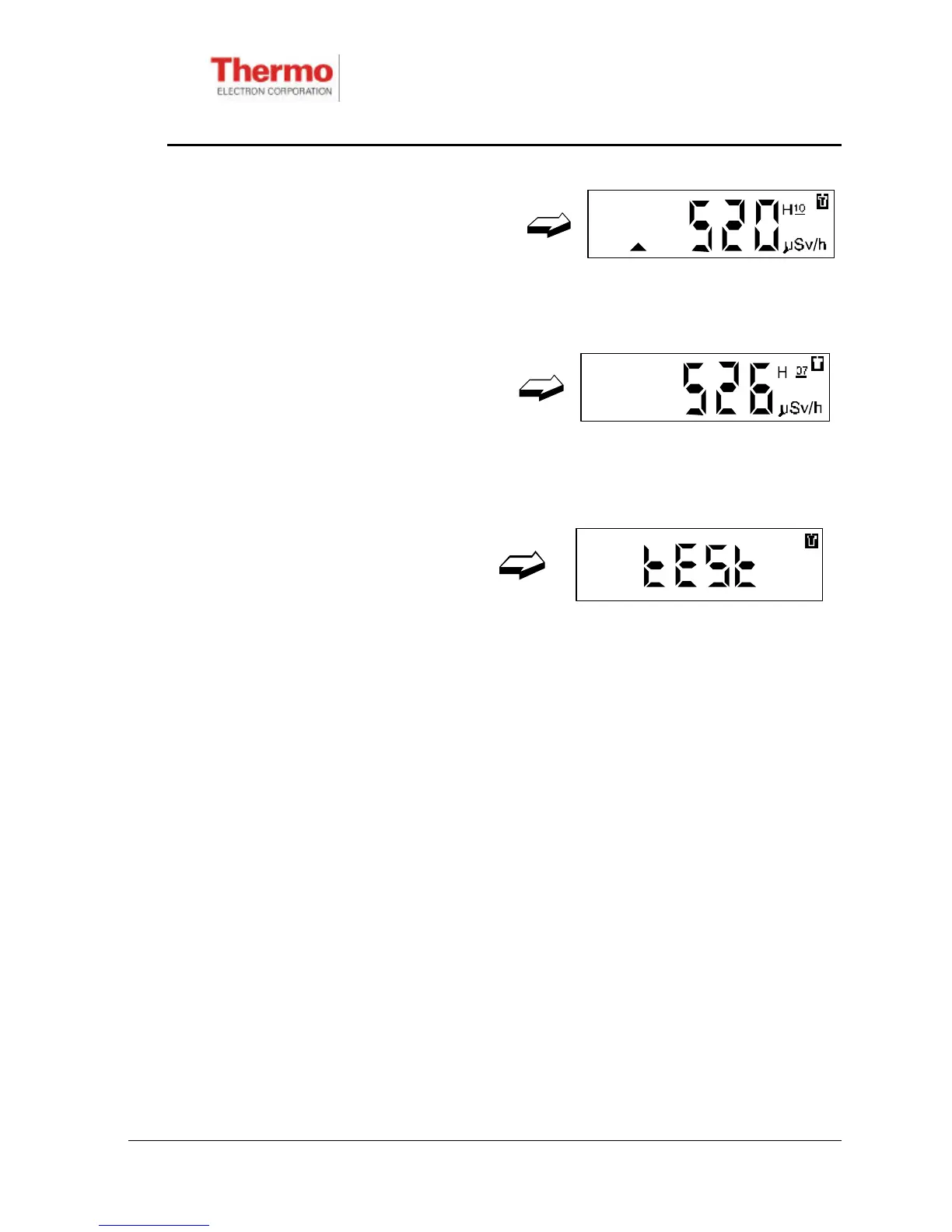
Short-press the button to display the
Peak Hp(10)/h Dose Rate:
Peak Hp(0.07)/h Dose Rate
Short-press the button again to
display Peak Hp(0.07)/h Dose
Rate:
Note: Peaks can only be cleared via the IR communications link.
3.5.7 EPD Confidence Test
To perform the EPD confidence test,
press and hold the button until this
top-level display appears:
Only one sub-display is available:
♦ Test
This test can be run at any time during operational use as a confidence check that
the EPD is functioning correctly. Throughout the confidence test the heart-beat
(activity) indicator flashes once per second. The confidence test can be stopped at
any time by pressing the button.
Note: During the EPD confidence test a brief detector test is performed, during
which dose accumulation is momentarily inhibited.
Double-press the button. The EPD will commence its confidence test routine, as
follows:
1. The all-segment display is displayed for approximately 5 seconds. This
allows the user to check that all segments are functional (see Figure 3.2).
2. The alarm will sound and the LED will flash for approximately 2 seconds. This
indicates that the sounder and LED are functional.
3. The all-segment display will disappear. The alarm will continue to sound and
the LED will continue to flash, at an increased rate, for approximately 6










 To Next Page