SAFE 2010/MaxiSAFE 2010
INSTRUCTION MANUAL
Page 21 of 35
81-09-IM.doc
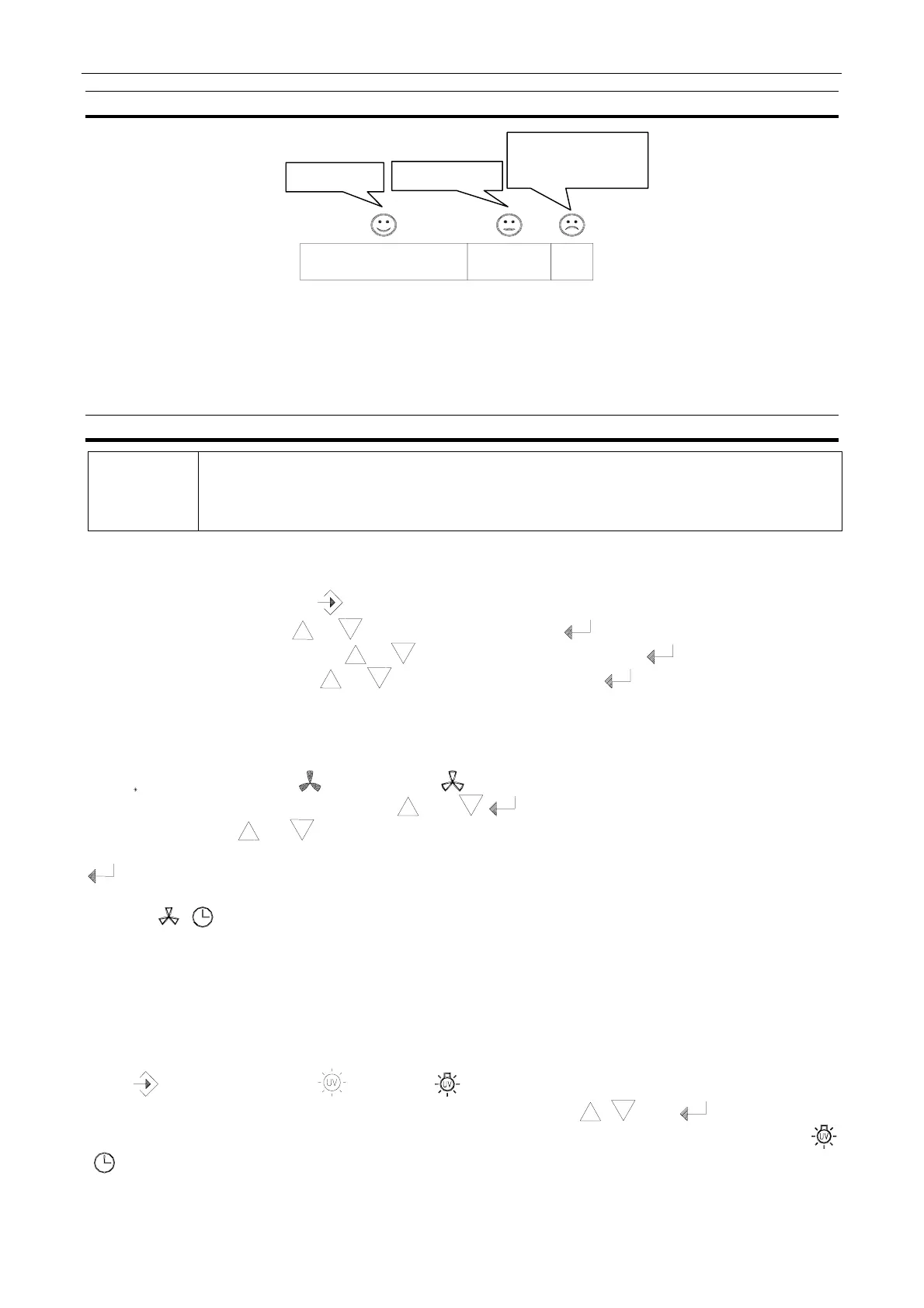
9.3. Bar graph
STOP
ir velocity is too low to
ensure safe operation
Plan service visit
Normal running
The flow graph will illuminate with segments in the ∗ area when the filter is new and clean.
Gradually as the filter becomes clogged and the air velocity decreases the segments will be turned
off.
Please contact your supplier for further information on test procedures.
9.4. Operation
.
NOTE
During programming the display will return to normal mode if the interval between
activation exceeds 30 seconds. Also note that the clock operates with 24-hour
indication only.
Setting the time and weekday
Disconnect the power; keep activated whilst reconnecting the power. Now the 2 digits for
minutes start flashing, use or to adjust the minutes and to accept the setting. Now the 2
digits for hours start flashing, use or to adjust the hour setting and to accept the setting.
Finally set the weekday using or to adjust the weekday and to accept the setting. Now
the time of day will be displayed in 24-hour mode and the weekday as 1 to 7 with 1 being Monday.
Setting the automatic fan start up
Keep
activated and press once, the icon above the digits will now be ON. Set the desired
start time by adjusting the setting using and to advance from minutes to hours and to
weekday by using or the possible settings are: day 1 or day 2 or day 3…….to day 7,
days 1 to 5, days 1 to 7, no day displayed indicates that automatic start up is switched off, press
to accept the setting.
The icon indicates that the function is active.
Remember to set the front window at normal work height (200 mm). The fan will now be switched
on at normal velocity to the pre-set time and will continue to be switched on at normal velocity until
it is manually switched off.
Setting the UV timer (UV timer optional), UV switched on.
Keep activated and press once, icon above the digits will now be switched on. Set the
desired OFF time for the UV light by adjusting the setting using , , and to advance from
minutes to hours (OFF time can be set from 1 minute to 23 hours and 59 minutes).The icons
next to the 24-hours digits, indicate that the timer is set.



 To Next Page