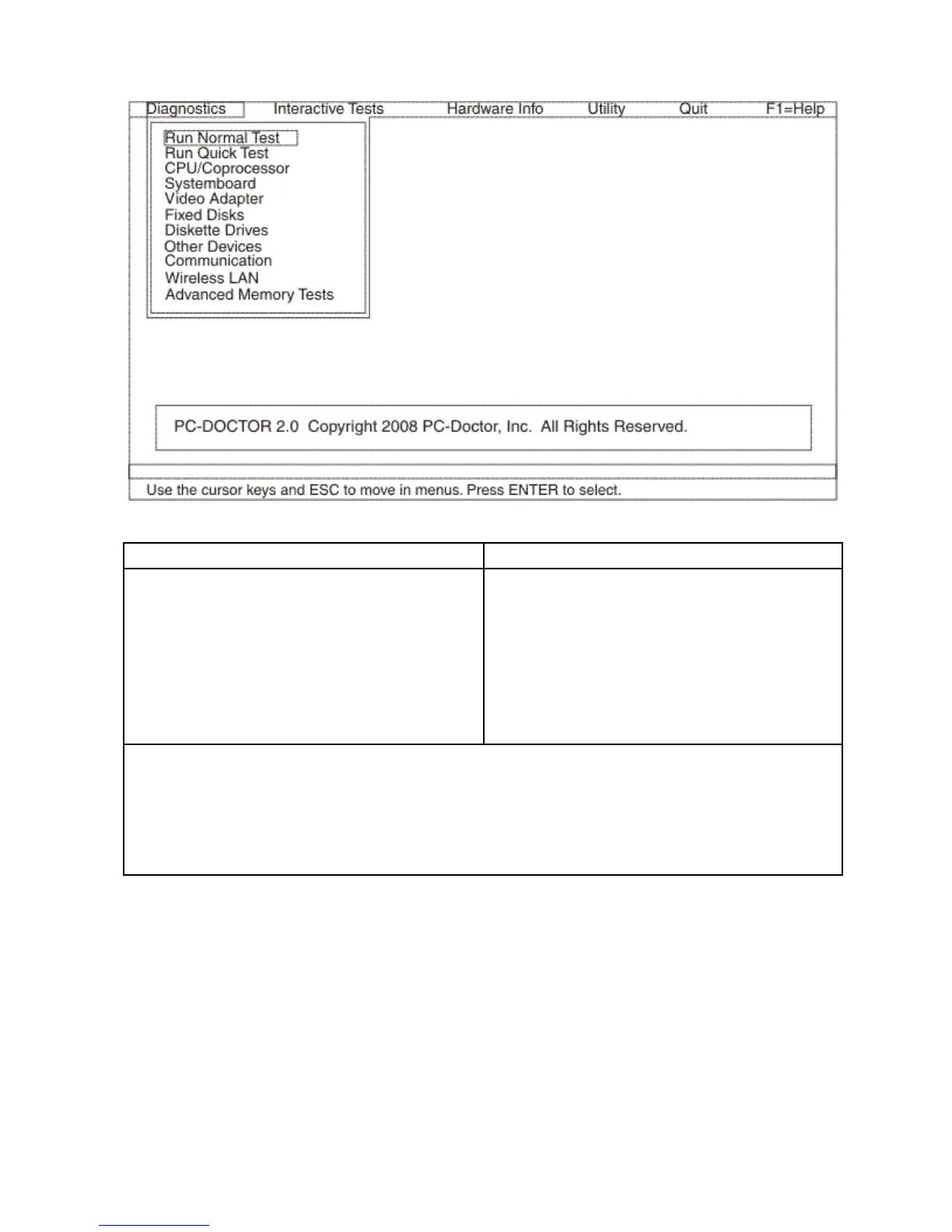
Theoptionsonthetestmenuareasfollows:
DiagnosticsInteractiveTests
•RunNormalTest
•RunQuickTest
•CPU/Coprocessor
•Systemboard
•VideoAdapter
•FixedDisks
•DisketteDrives
•OtherDevices
•WirelessLAN
•AdvancedMemoryTests
•Keyboard
•Video
•InternalSpeaker
•Mouse
•Diskette
•SystemLoad
•OpticalDriveTest
•IntelWLANRadioT est
Notes:
•IntheKeyboardtestinInteractiveT ests,theFnkeyshouldbehelddownforatleast2seconds;otherwise,it
cannotbesensed.
•VideoAdaptertestsupportsonlytheLCDdisplayontheThinkPadNotebook.Ifyouhaveanexternalmonitor
attachedtoyourcomputer,detachitbeforerunningPC-DoctorforDOS.
•TotestDigitalSignatureChip,thesecuritychipmustbesettoActive.
12.Runtheapplicablefunctiontest.
13.Followtheinstructionsonthescreen.Ifthereisaproblem,PC-Doctorshowsmessagesdescribingit.
14.Toexitthetest,selectQuit➙ExitDiag.Tocancelthetest,pressEsc.
Note:AfterrunningPC-Doctor,checkthetimeanddateonthesystemandresetthemiftheyareincorrect.
DetectingsysteminformationwithPC-Doctor
PC-Doctorcandetectthefollowingsysteminformation:
26HardwareMaintenanceManual



 To Next Page