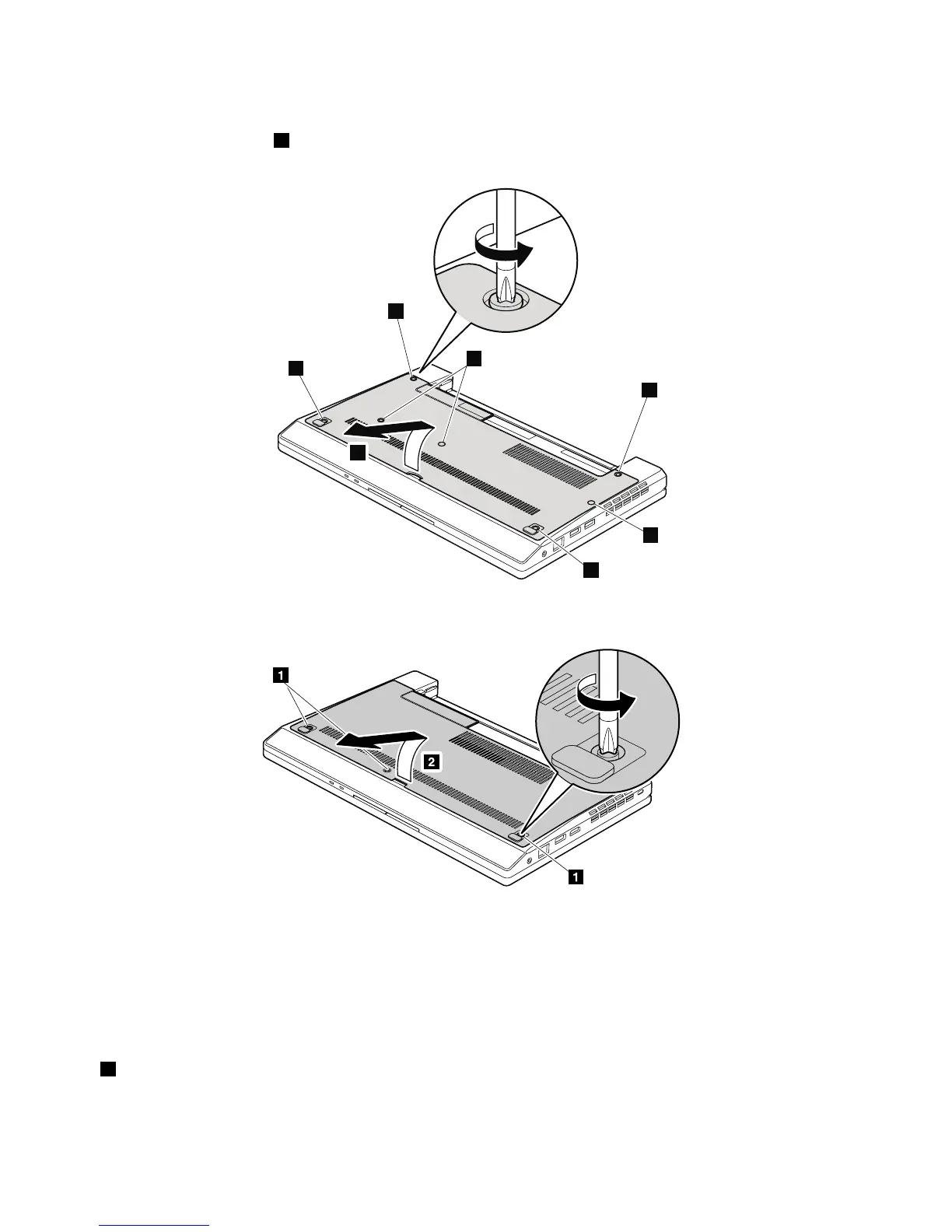
Table9.Removalstepsofbottomdoor
Note:Loosenthescrews1,butdonotremovethem.
ForThinkPadX100e
ForThinkPadX120e
Applyinglabelstothebottomdoor
ForThinkPadX100e
ThenewbottomdoorFRUisshippedwithakitcontaininglabel.Whenyoureplacethebottomdoor,
youneedtoapplythefollowinglabel:
1
Serialnumberblanklabel79x16
Followinglabelsneedtobepeeledofffromtheoldbottomdoor,andneedtobeputonthenewbottomdoor.
56HardwareMaintenanceManual



 To Next Page