•Ateverypointintheprocess,besurenottodroporstackthesystemboard.
•Ifyouputasystemboarddown,besuretoputitonlyonapaddedsurfacesuchasanESDmator
conductivecorrugatedmaterial.
Note:Thefanassemblyandthebackupbatteryareattachedtothesystemboard.
Foraccess,removetheseFRUsinorder:
•“1010Batterypack”onpage54
•“1020Bottomdoor”onpage55
•“1030Harddiskdrive(HDD)”onpage58
•“1080Keyboard”onpage64
•“1090Palmrestassembly,power-onboardassembly(withcable),andmicrophone”onpage67
•“1100CRTboardassembly(withcable)”onpage72
•“1110Speakerassembly”onpage73
•“1120I/Oboard(forThinkPadX120e)”onpage74
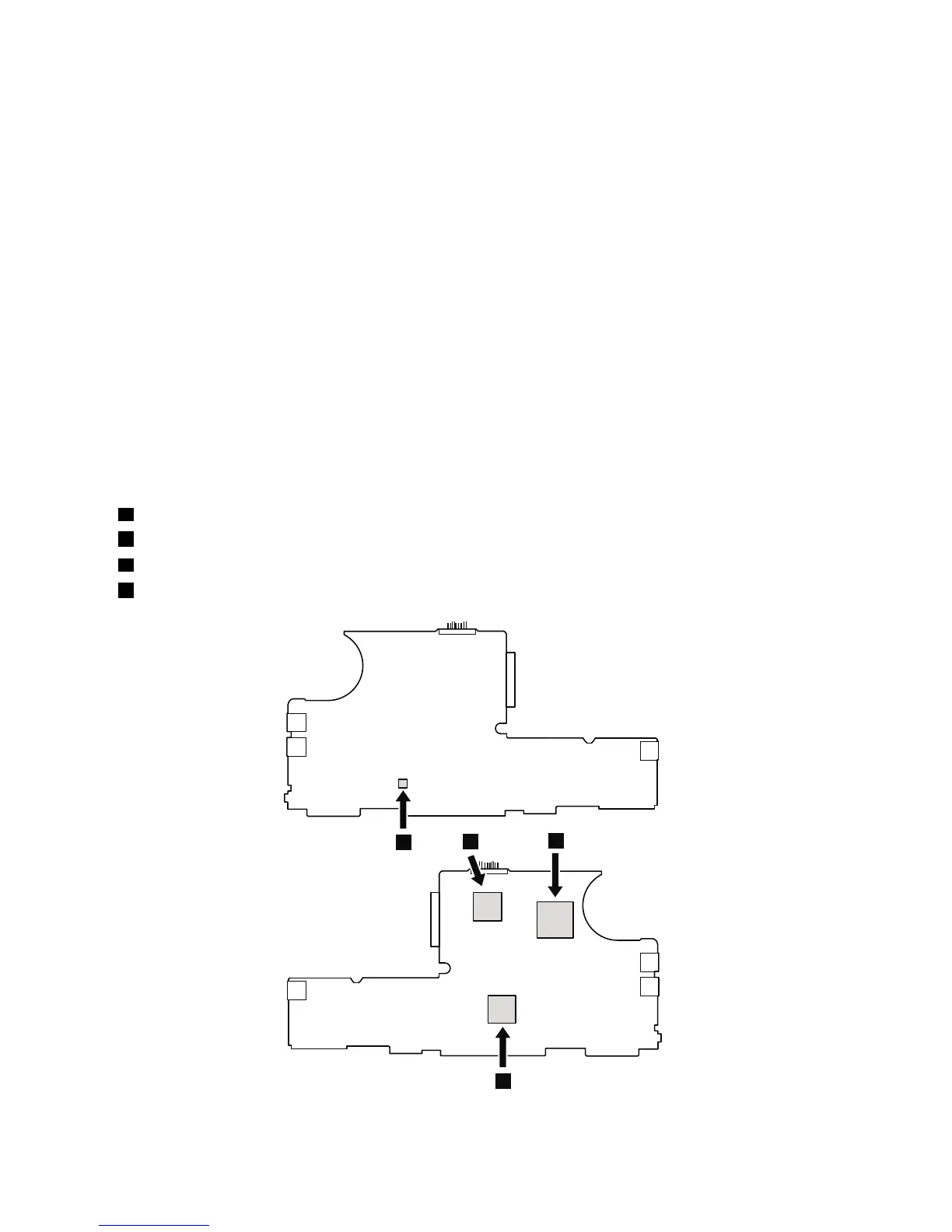
Table22.Locationofmajorsensitivecomponentsonthesystemboard
Followingcomponentssolderedonthetopsideofthesystemboardareextremelysensitive.Whenyouservice
thesystemboard,avoidanykindofroughhandling.
ForThinkPadX100e
a
AccelerometerchipfortheHDDActiveProtectionSystem™
b
NorthBridge
c
CPU
d
SouthBridge



 To Next Page