Upgrading the firmware
64
10. Upgrading the firmware
A firmware upgrade is provided to enhance the product features or to increase stability or product
operation.
You can download the latest firmware upgrade file at the THINKWARE download website (http://www.
thinkware.com/Support/Download). For optimal operation of the product, ensure that you keep the
firmware version up to date.
Do not disconnect power or remove the memory card from the product during the firmware upgrade. Doing
so may cause serious damage to the product, or to the data stored in the memory card.
1
Disconnect power to the product and remove the memory card.
2
Insert the memory card to a memory card reader connected to a PC, and copy the firmware upgrade
file to the root folder of the memory card.
3
While the power is disconnected from the product, insert the memory card to the memory card slot on
the product.
4
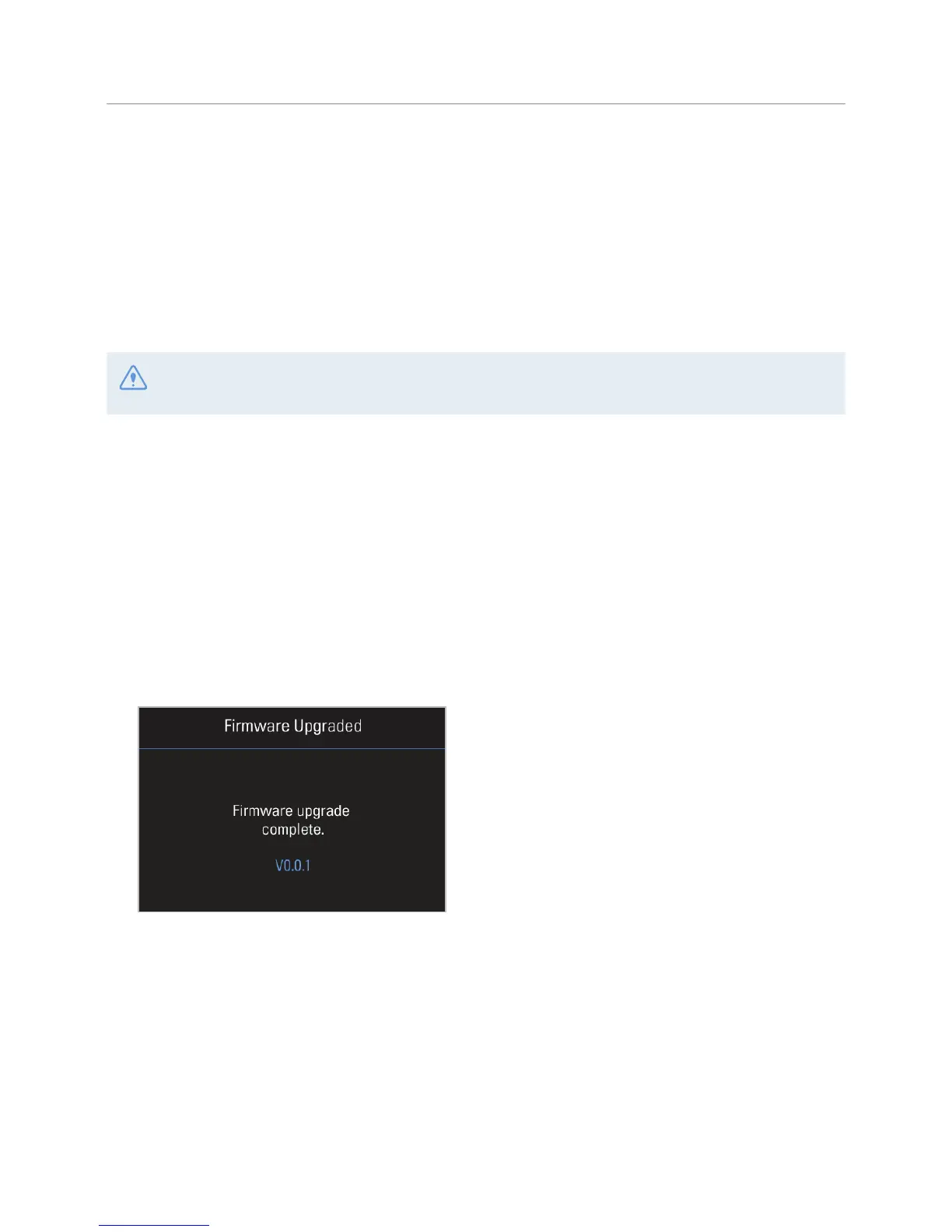
Connect the power cable to the product, and then turn on the power (ACC ON) or start the engine to
turn on the product. The firmware upgrade starts automatically, and the system will restart once the
firmware update is completed.



 To Next Page